

















Keep the thinking.
Hand over the formatting.
A PowerPoint design service for teams whose decks have to follow a brand. Send a rough slide, an AI draft or a whole deck, and get it back on your template and ready to present, with every number and word exactly as you wrote it.
Since 2016, SlideHub has been the design team behind the decks of consultancies, law firms and listed companies. On brand, every time.
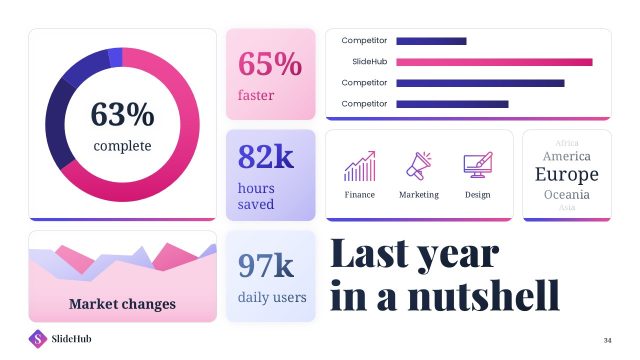
- Tasks delivered
- 100,000+
- Customers each month
- 500+
- Median turnaround
- ≤6h
- Rating on G2
- 4.9
500+ customers served each month









Your own design team, without hiring one
Large consulting firms keep an in-house graphics team. Our co-founder Anders Thomsen used one every day at McKinsey, then moved into private equity and was back to aligning text boxes at midnight. SlideHub is that team, opened up to everyone. Teams with designers of their own use us when the work peaks.
-
Your content stays yours
We format. Your analysis, numbers and argument stay as written.
-
Your guidelines, not our taste
Every task is checked against your rules by in-house QA.
-
No briefing call
Send a file and a note. That is the whole brief.
Three steps turn a rough slide into a finished one
Send at any hour, any day of the year. A project manager picks it up within 15 minutes, and it comes back checked against your guidelines, typically in six hours or less.
Book intro-
01
Send
0 minSelect the slides and send them from the PowerPoint add-in, the web version or email. Your guidelines are already on file.
-
02
Format
15 minA project manager assigns a vetted designer, briefed against your templates and rules.
-
03
Check and return
6 hours or lessIn-house QA checks it against your guidelines, and it lands back in your deck, fully editable.
Four levels of design work, each with a set scope
From editorial slides and logos to a quick brush-up. Pick the level when you send, so you know exactly what comes back.
Creative design
Design-agency work beyond the standard scope, such as:
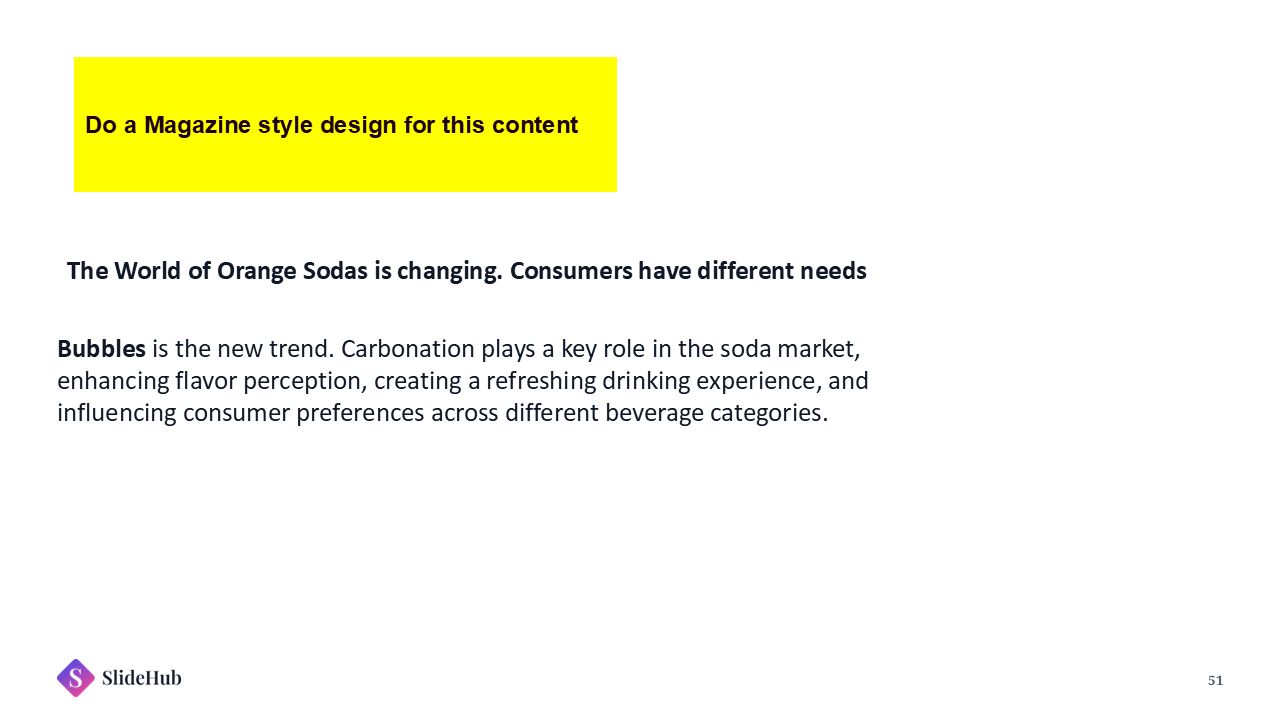
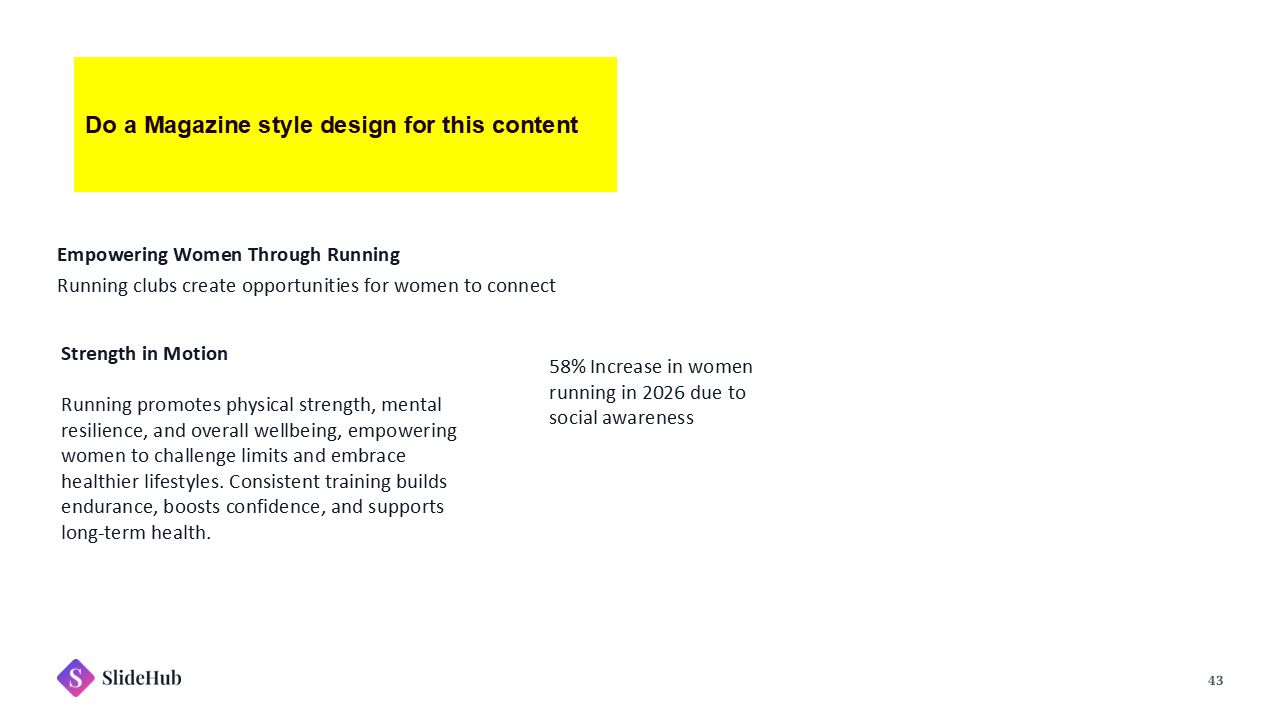
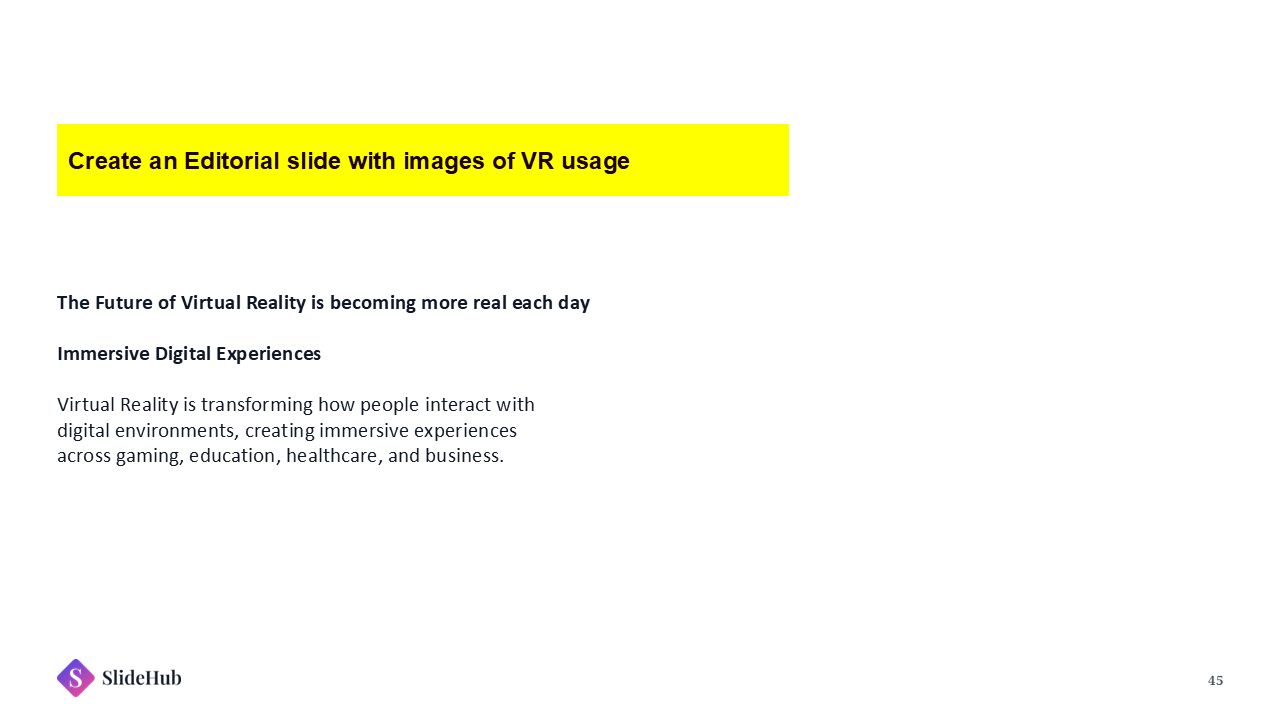
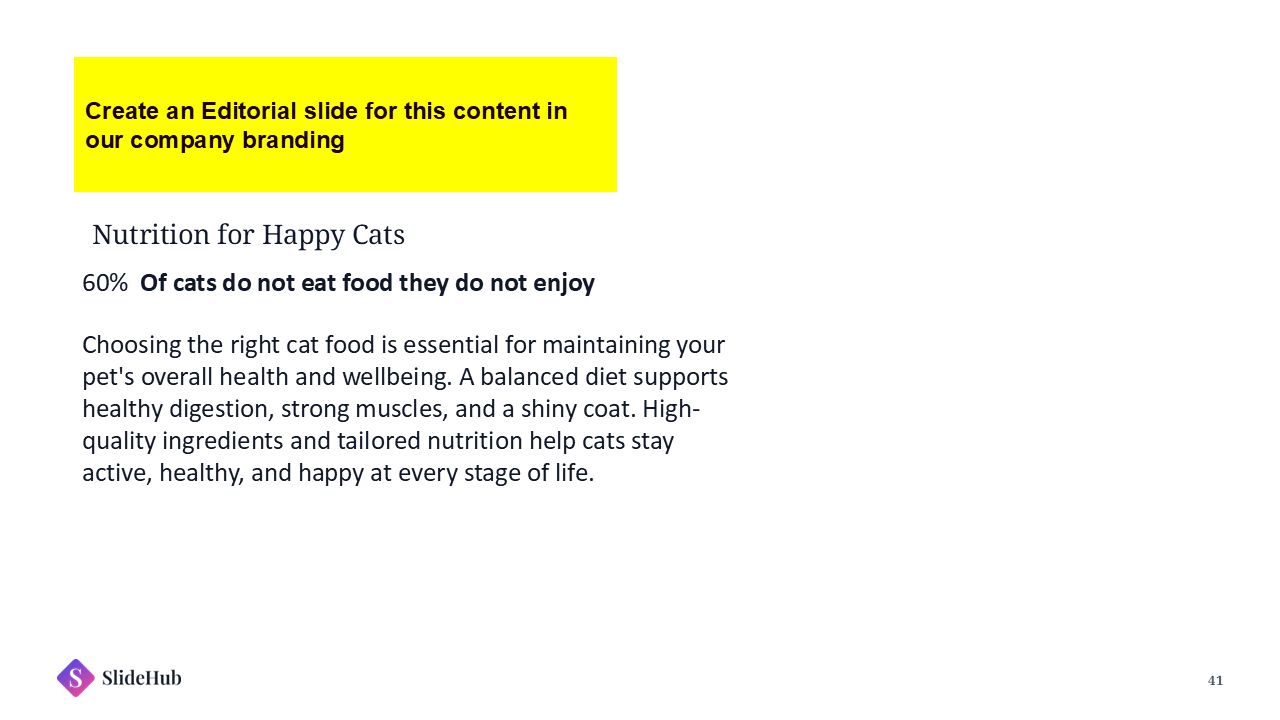
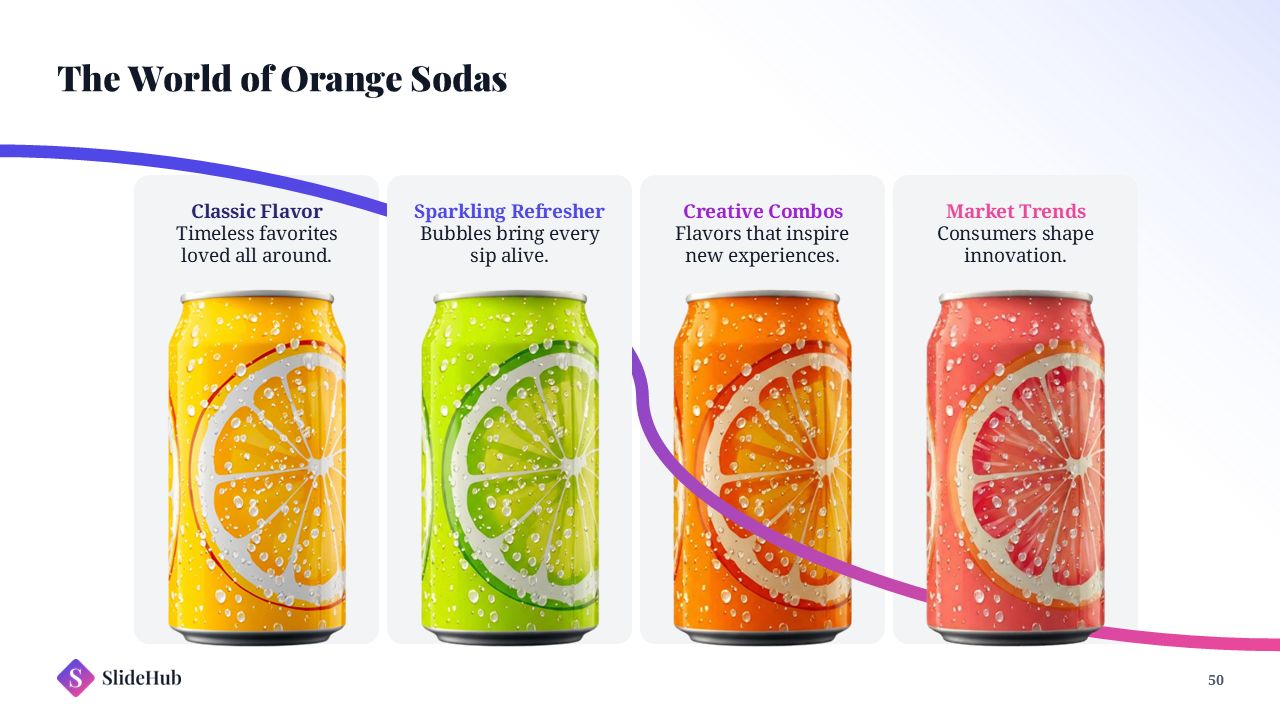
- Editorial and magazine-style slides
- Logos, icons and icon packages
- Brand design and master templates
- Posters and brochures
- Illustrations and infographics
- Complex animations




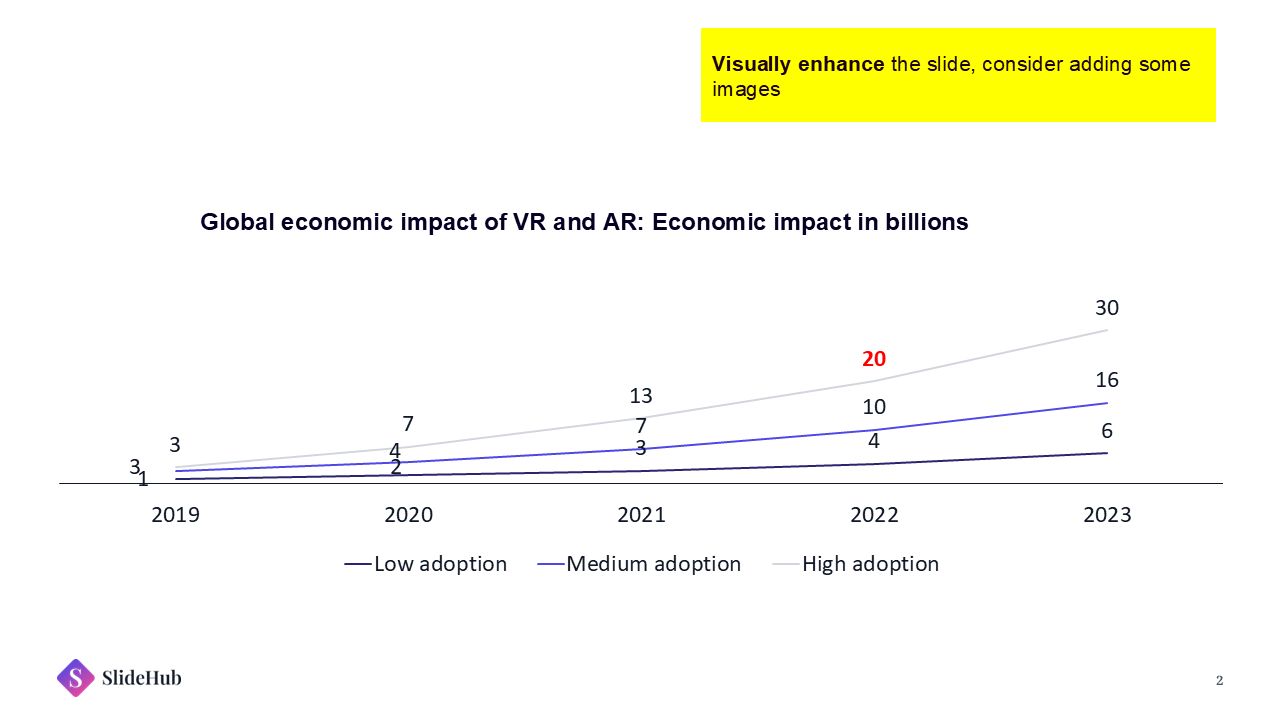
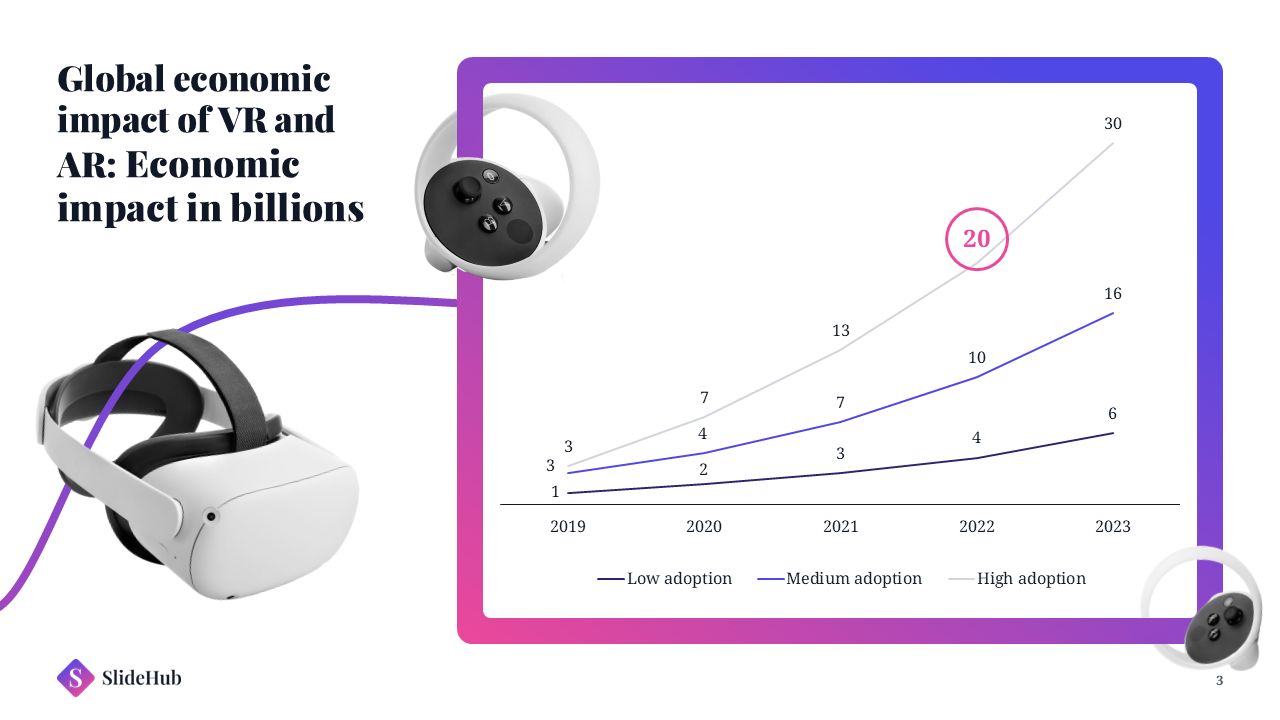
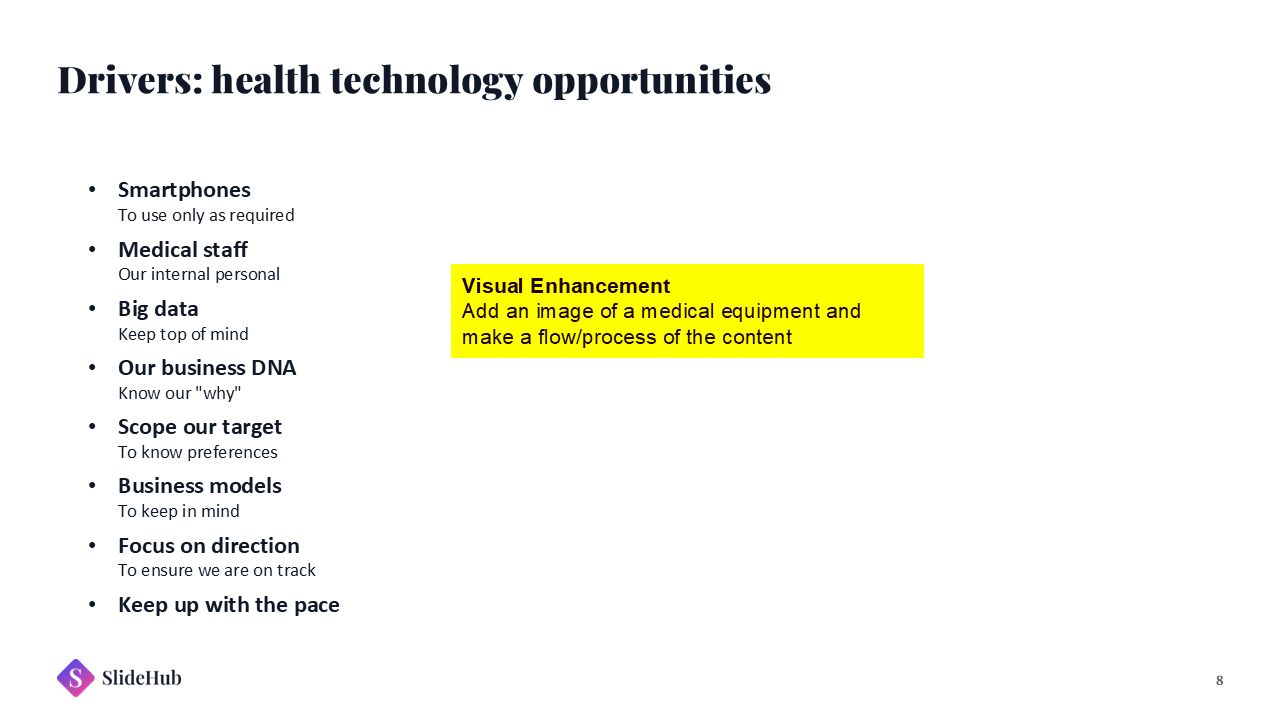
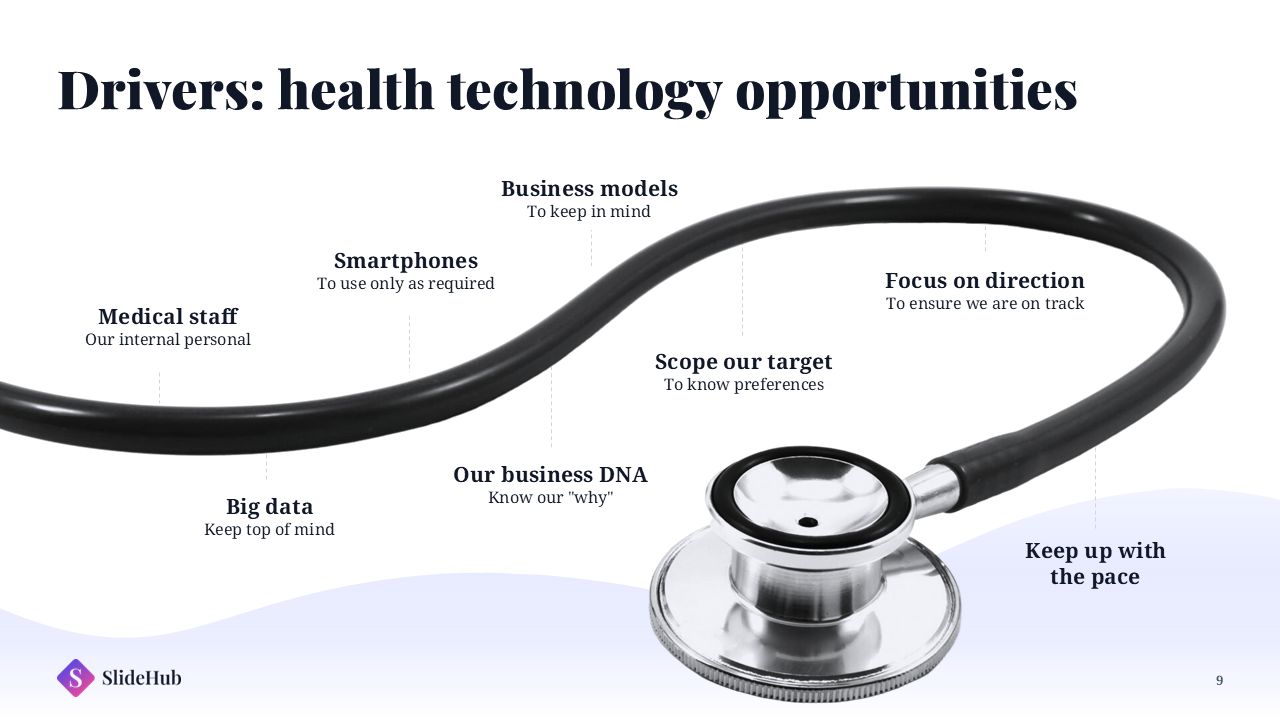
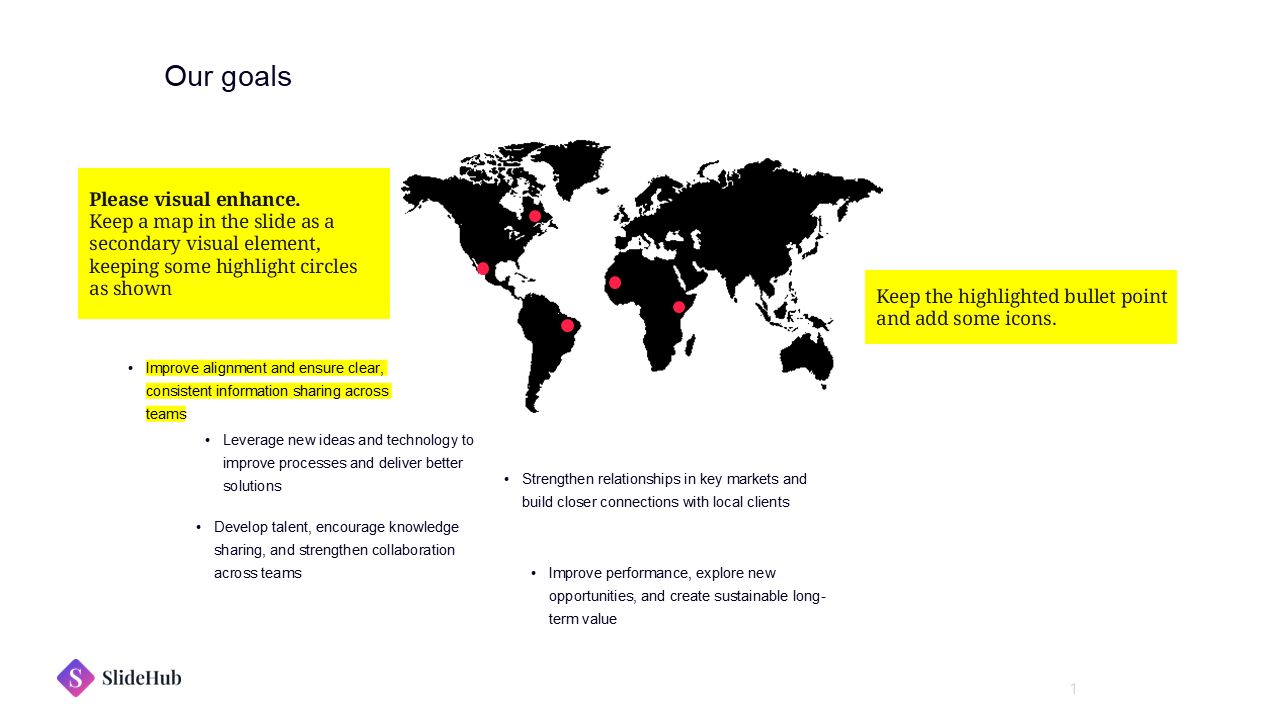
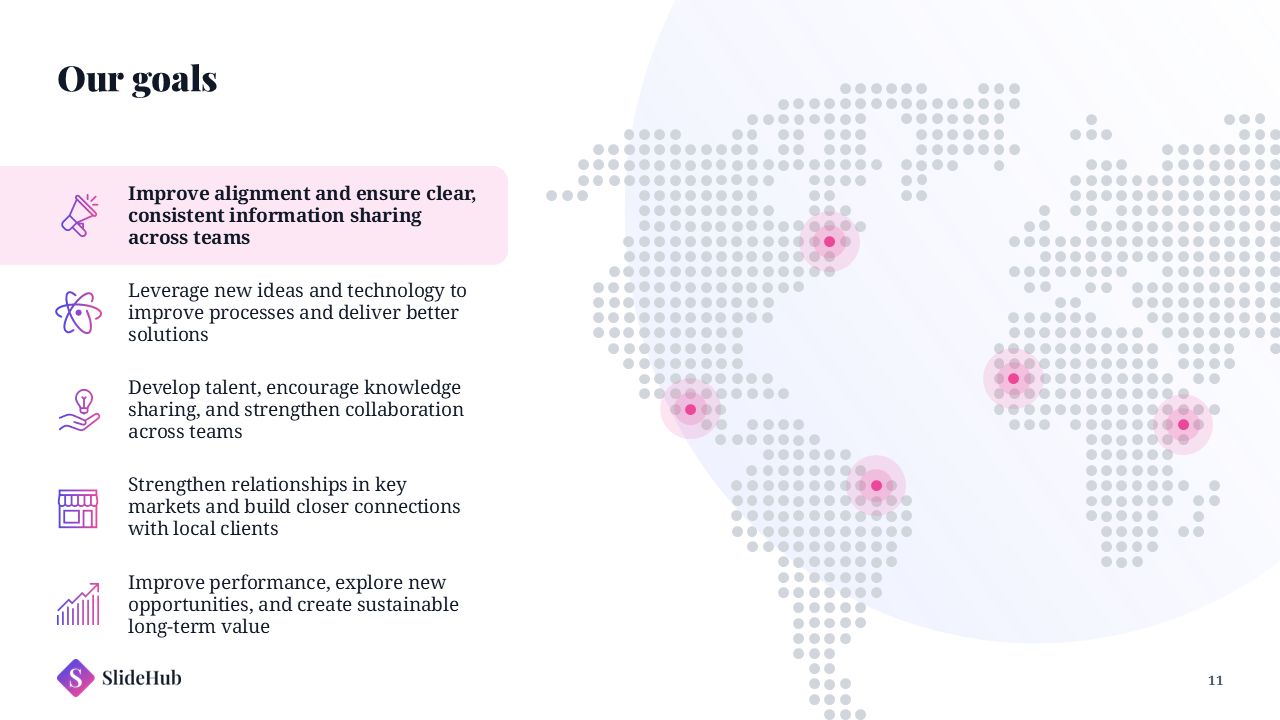
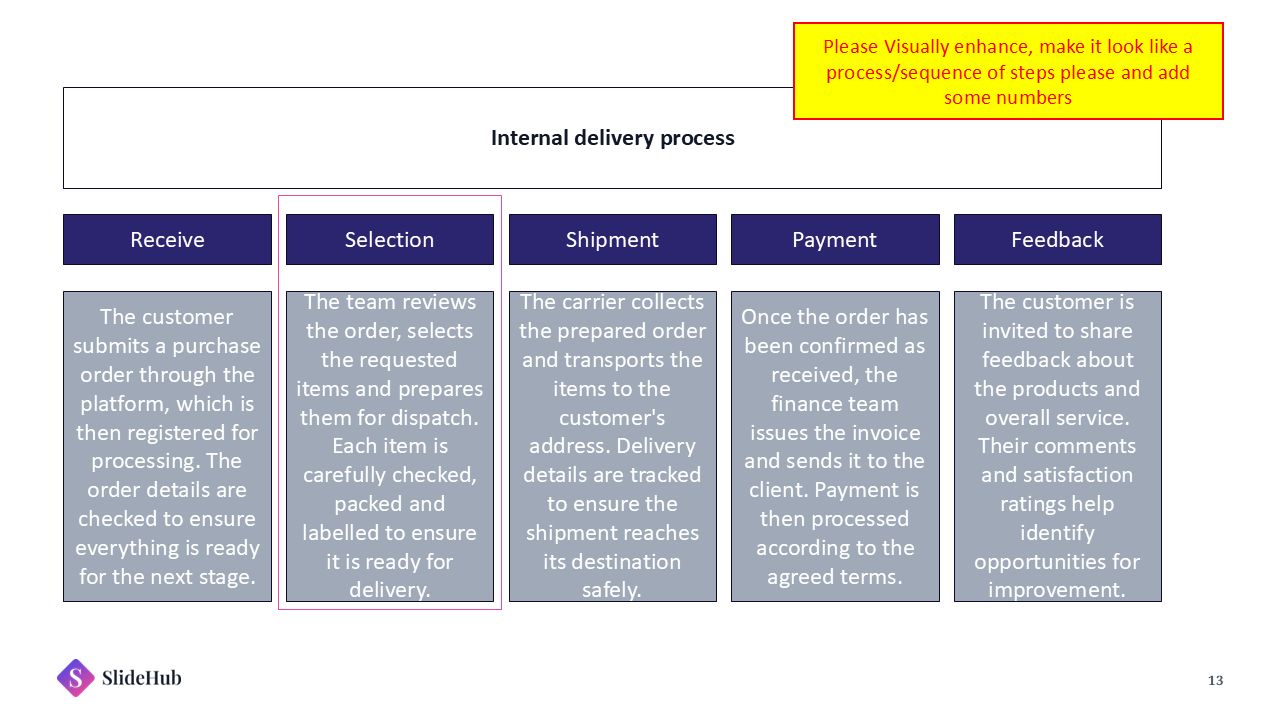
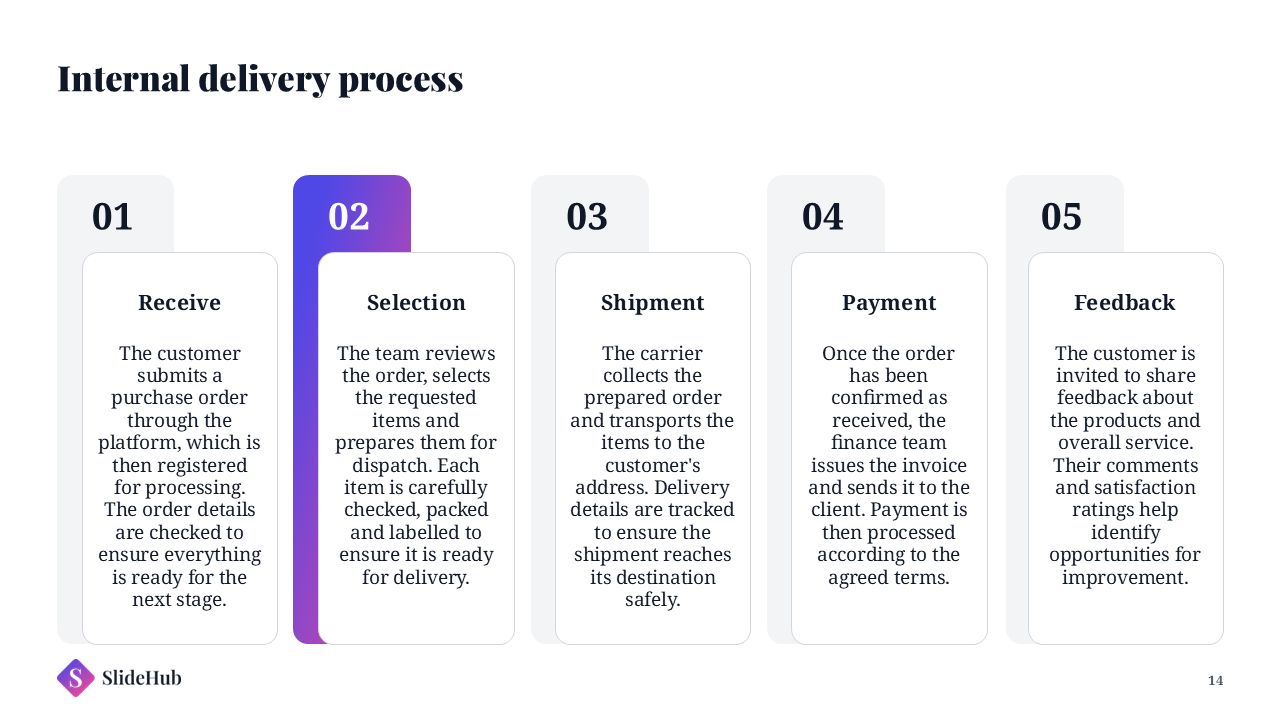
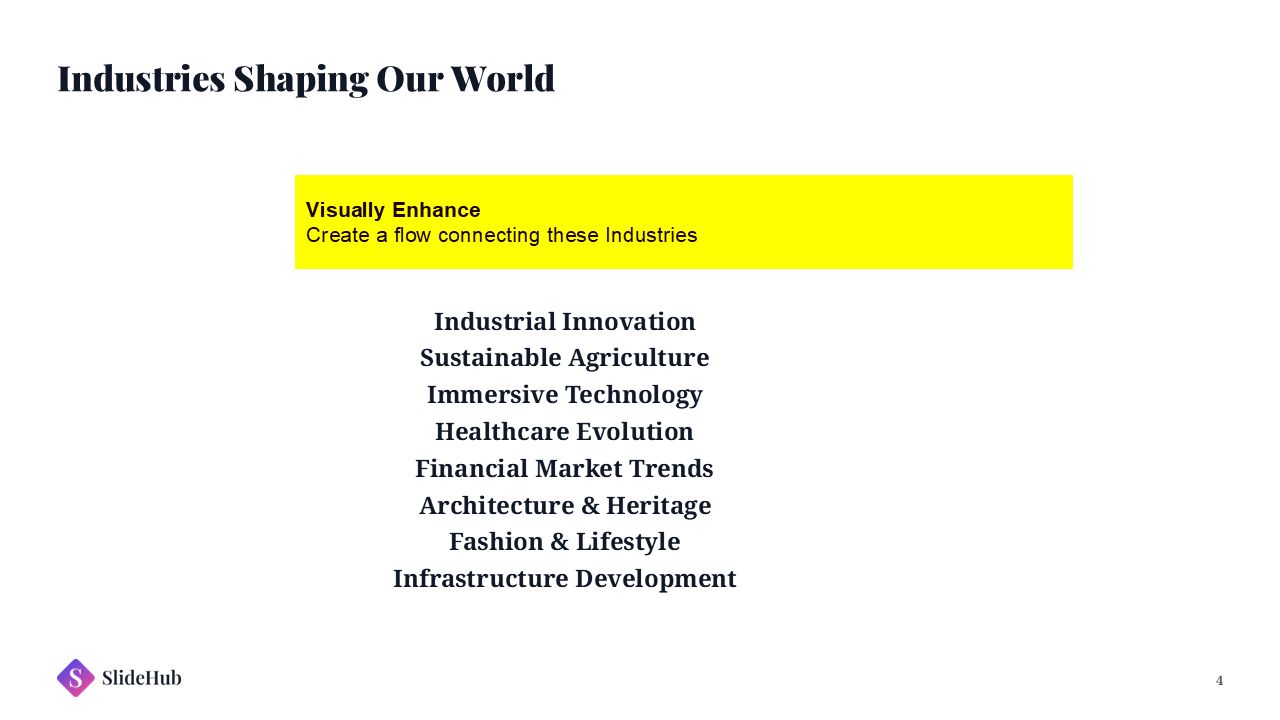
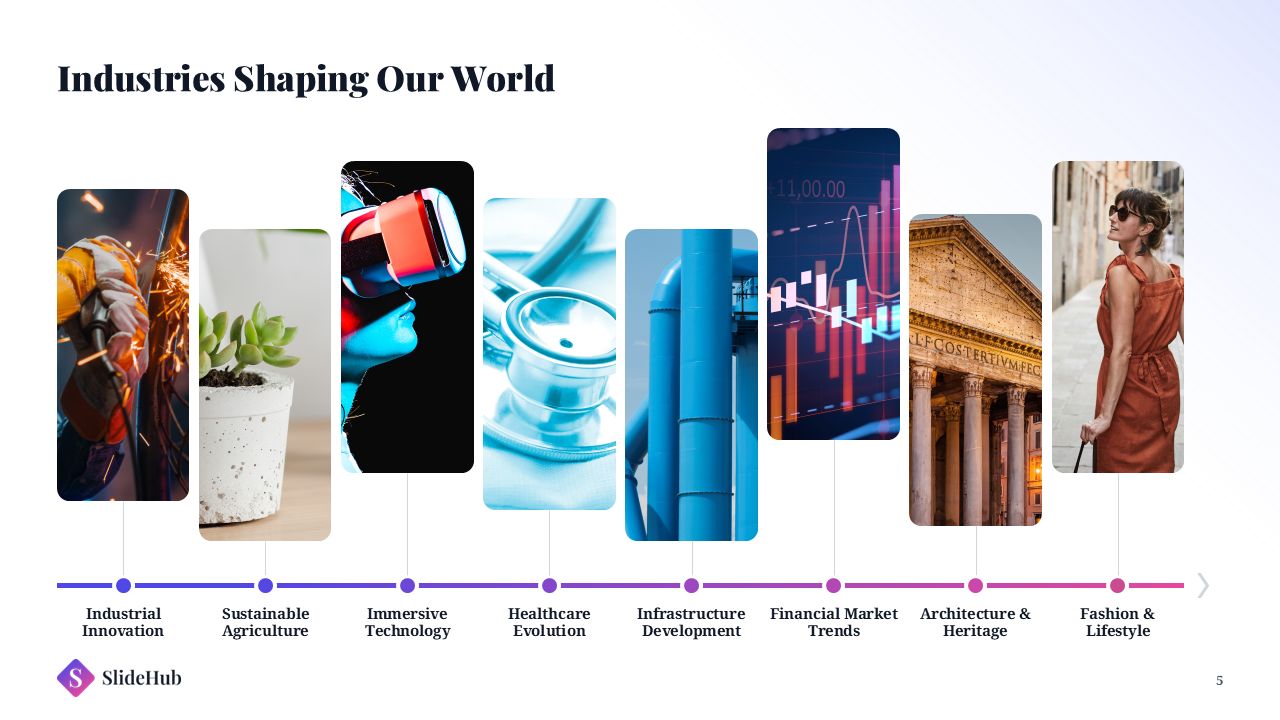
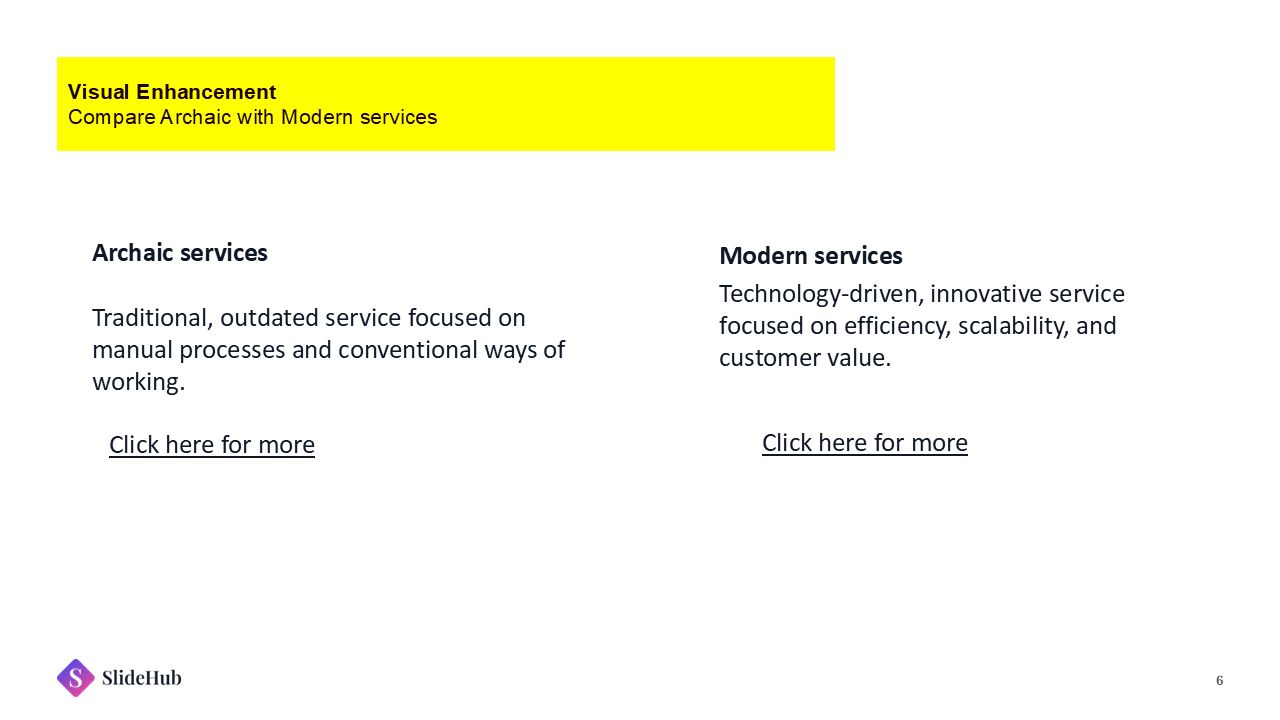
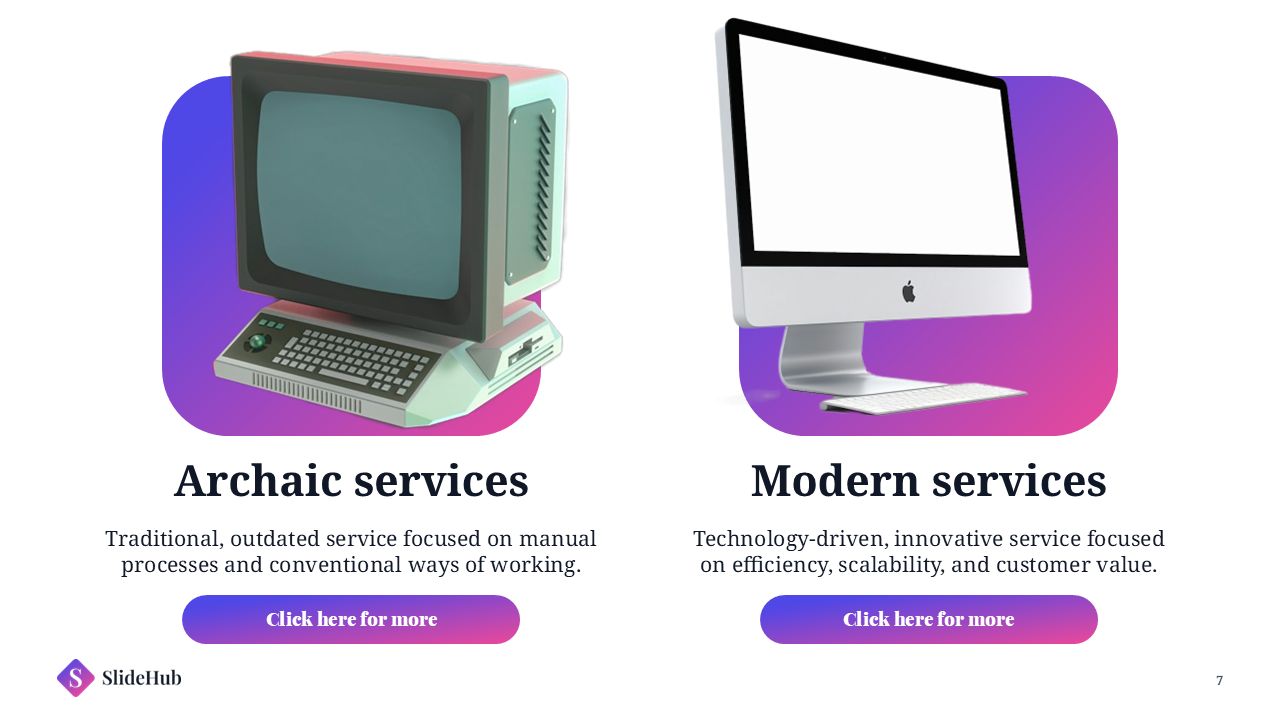
Visual enhancement
Everything in brush-up, plus:
- A clearer structure for the content
- New graphic elements where the content needs them
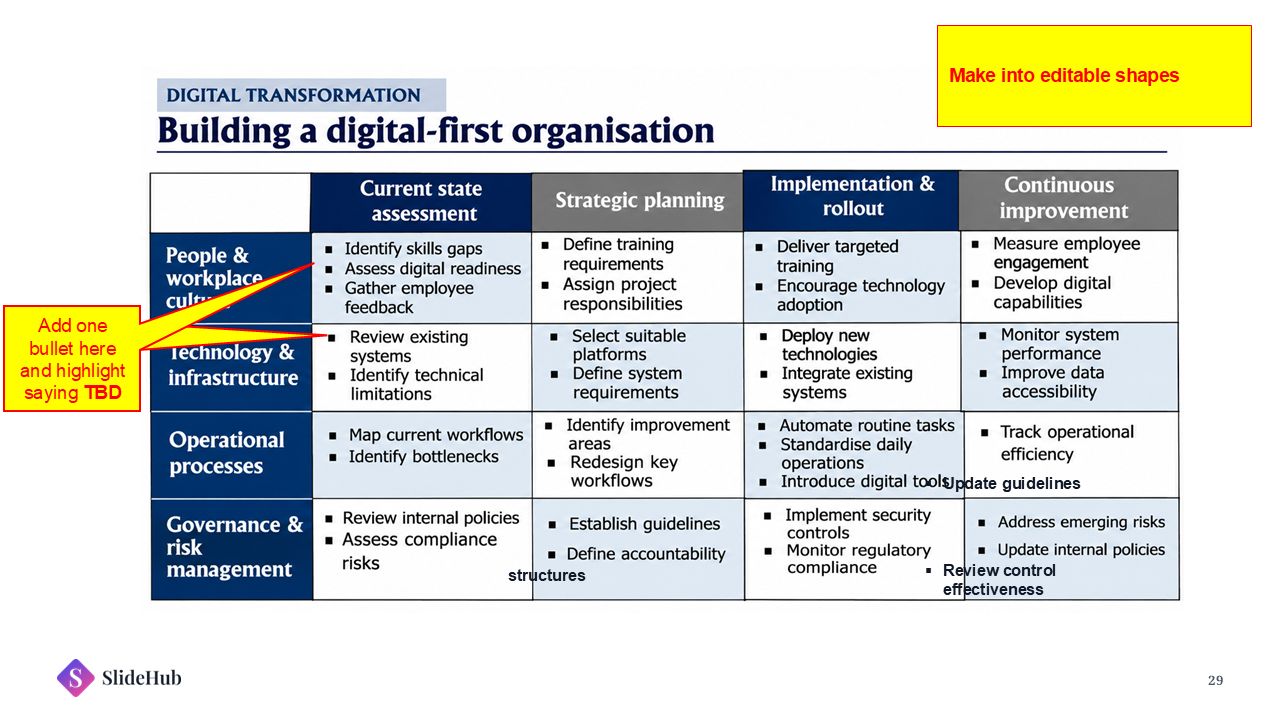
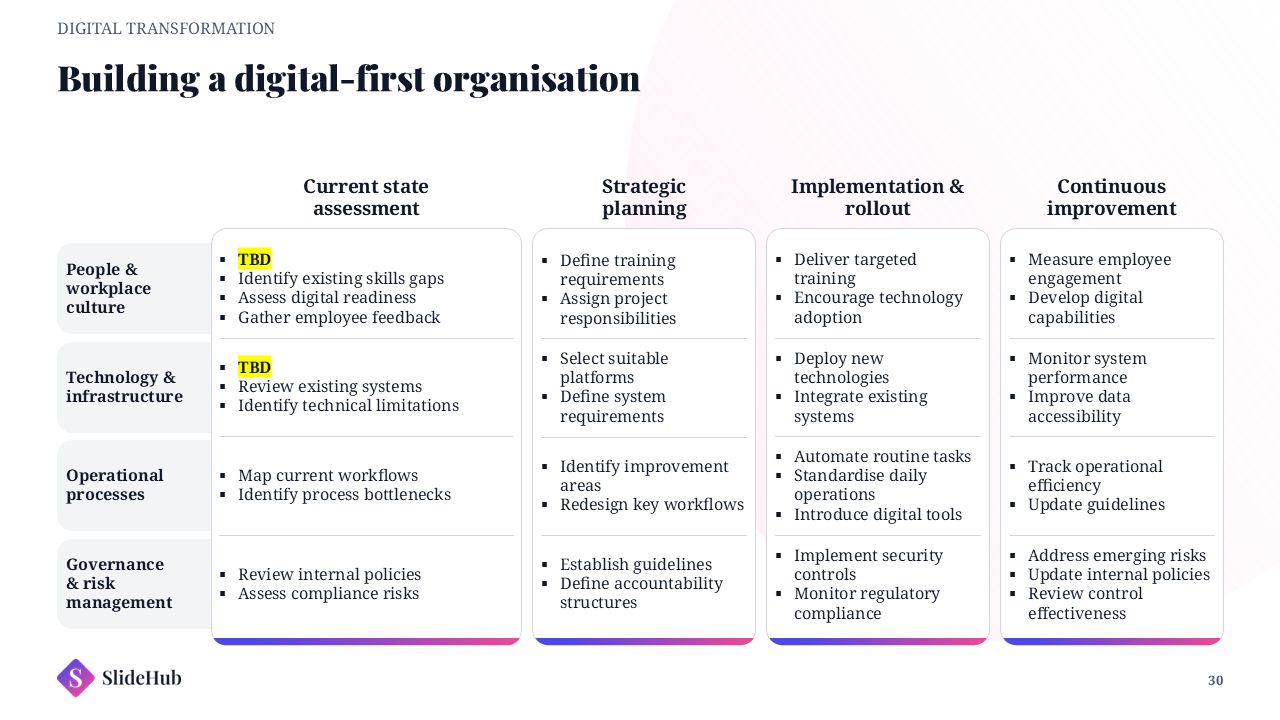
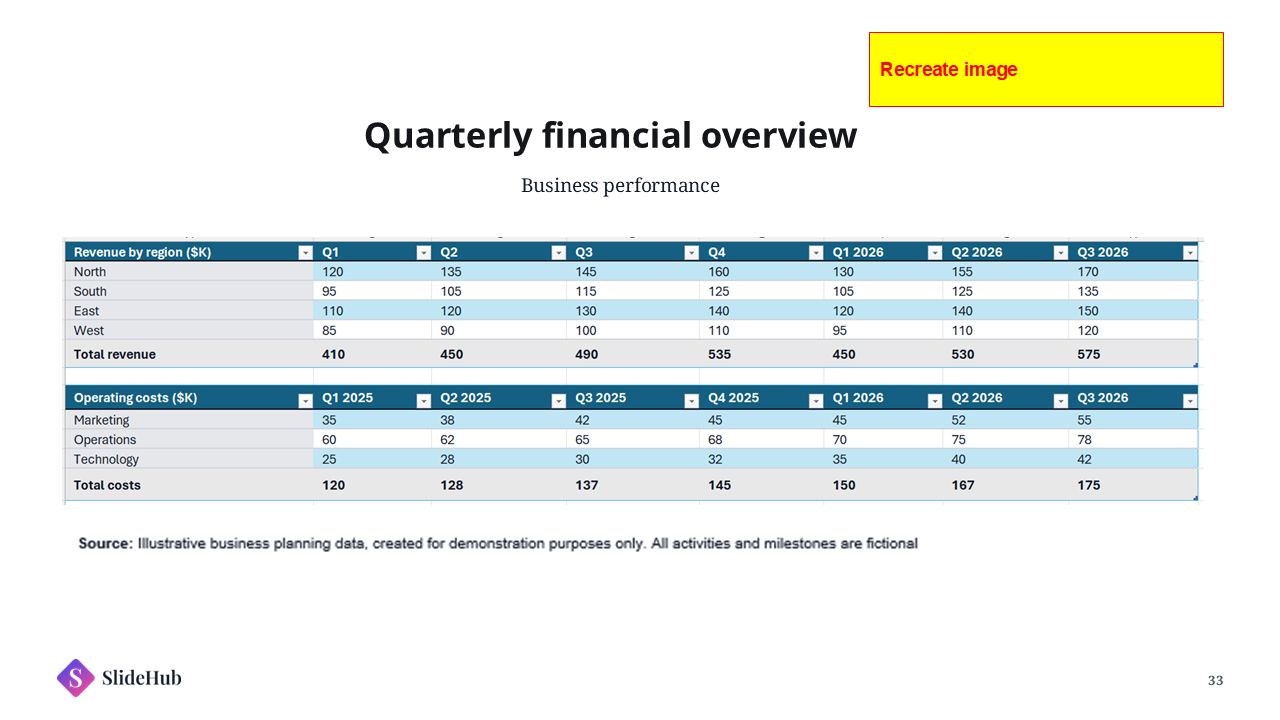
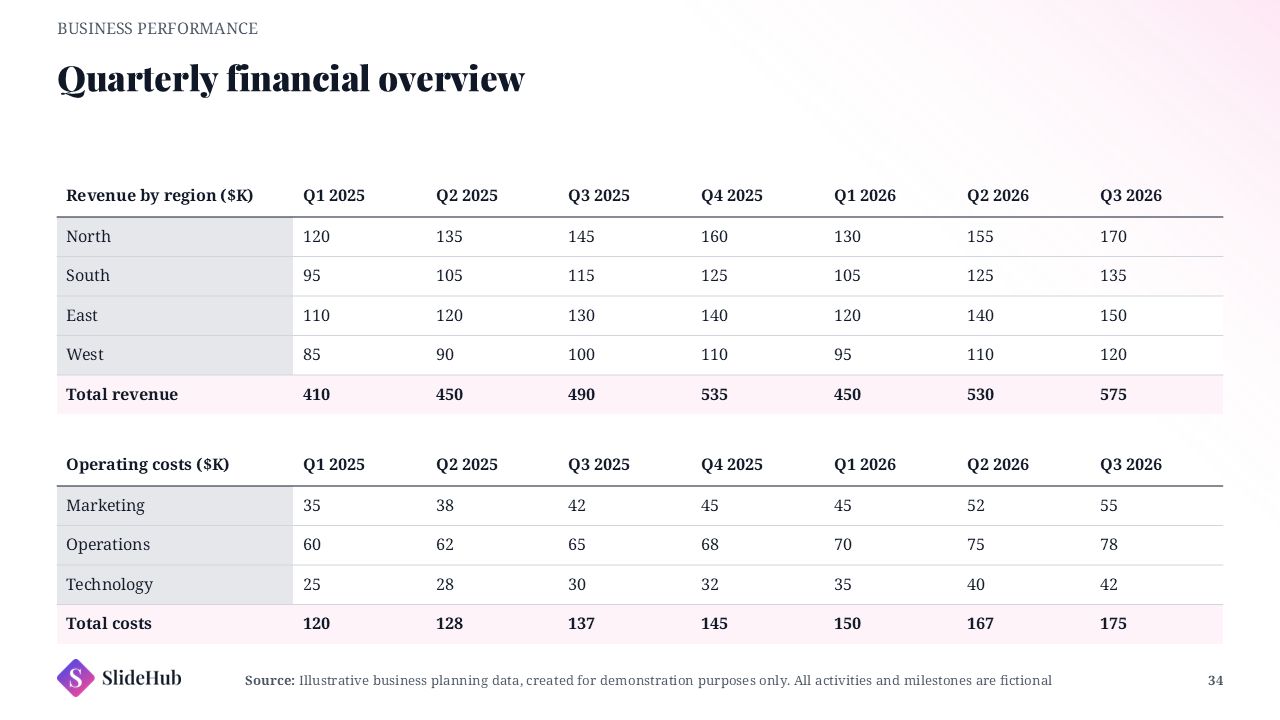
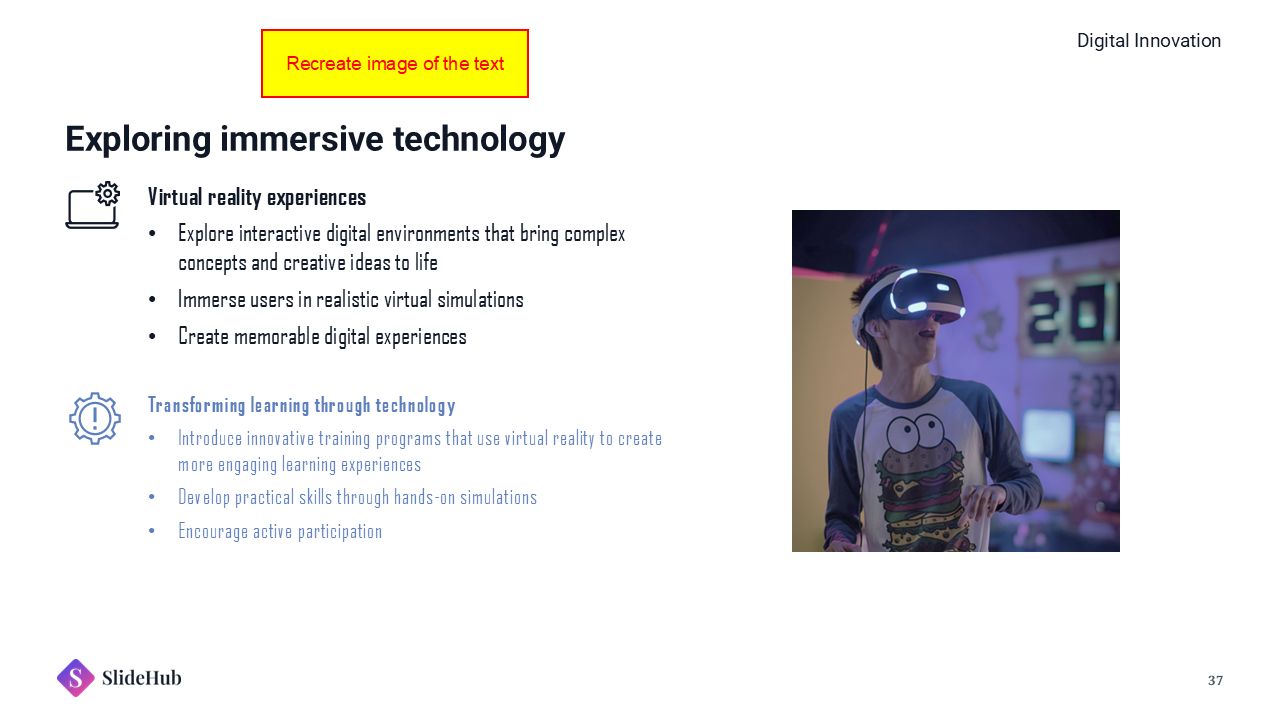
- Pictures recreated so they stay editable
Recreation
Everything in brush-up, plus:
- PDFs, scans and drawings rebuilt as editable slides
- Pictures recreated so they stay editable
- Your argument kept exactly as it was
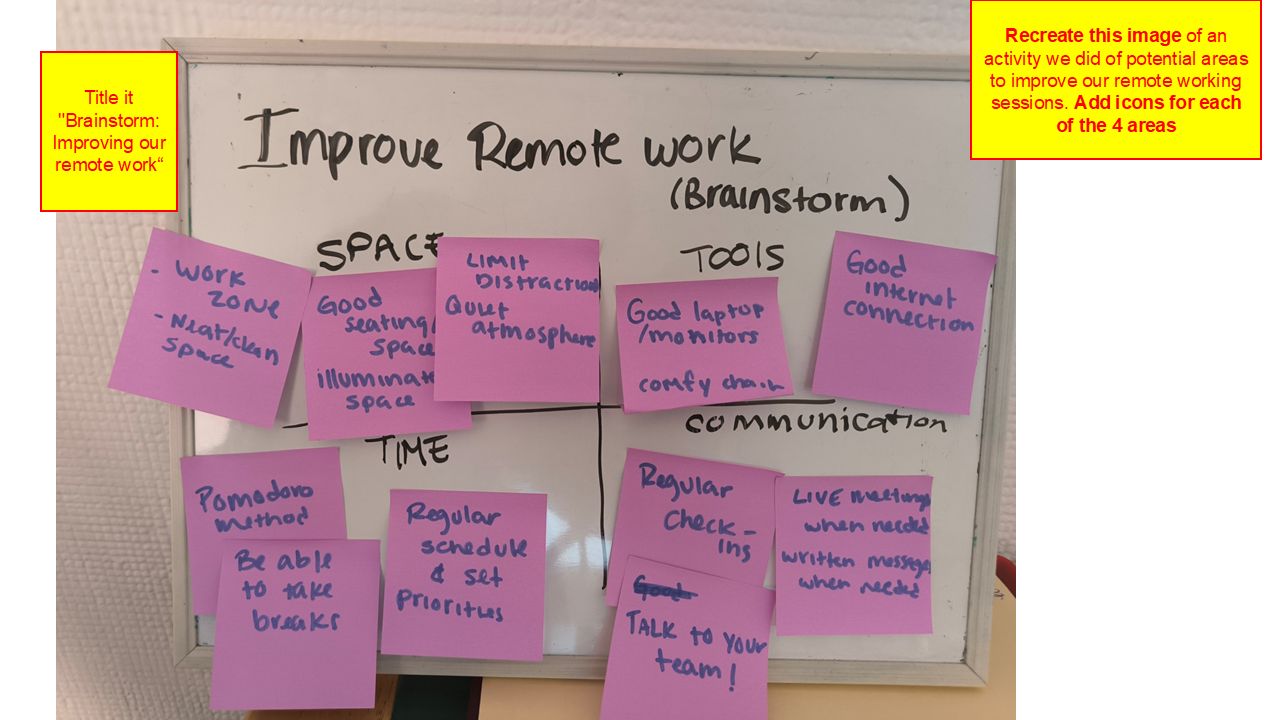
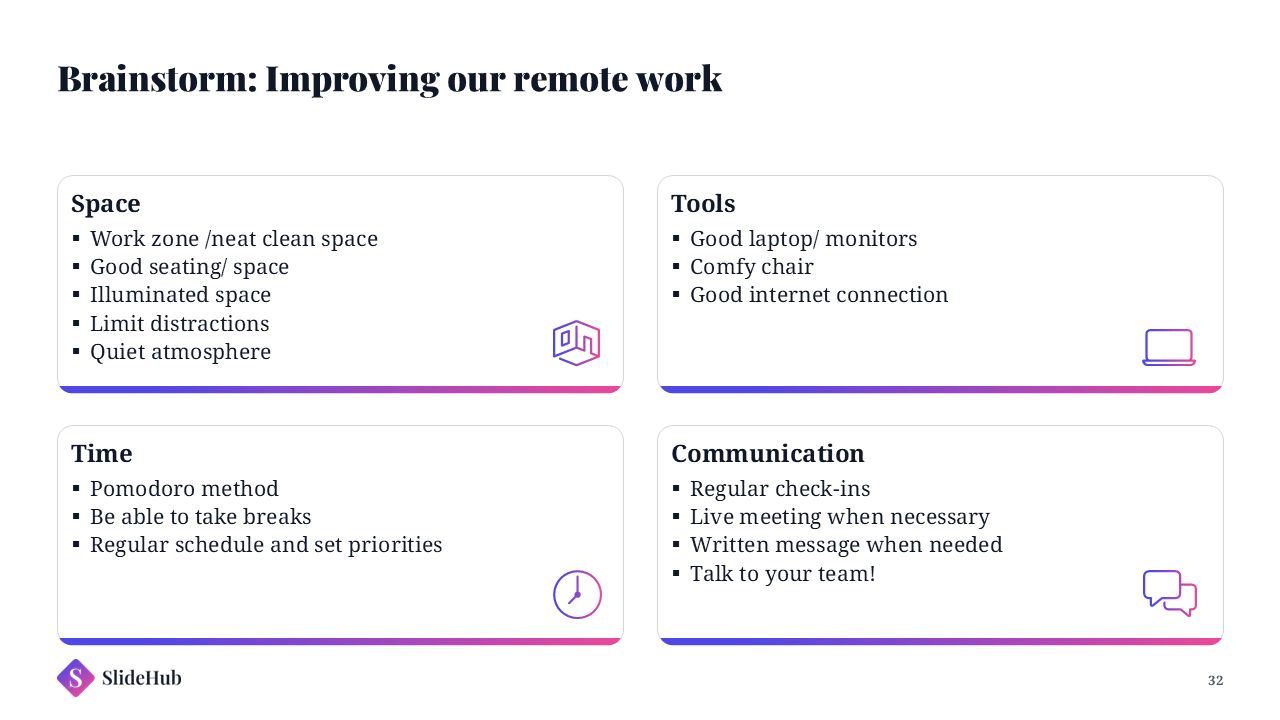
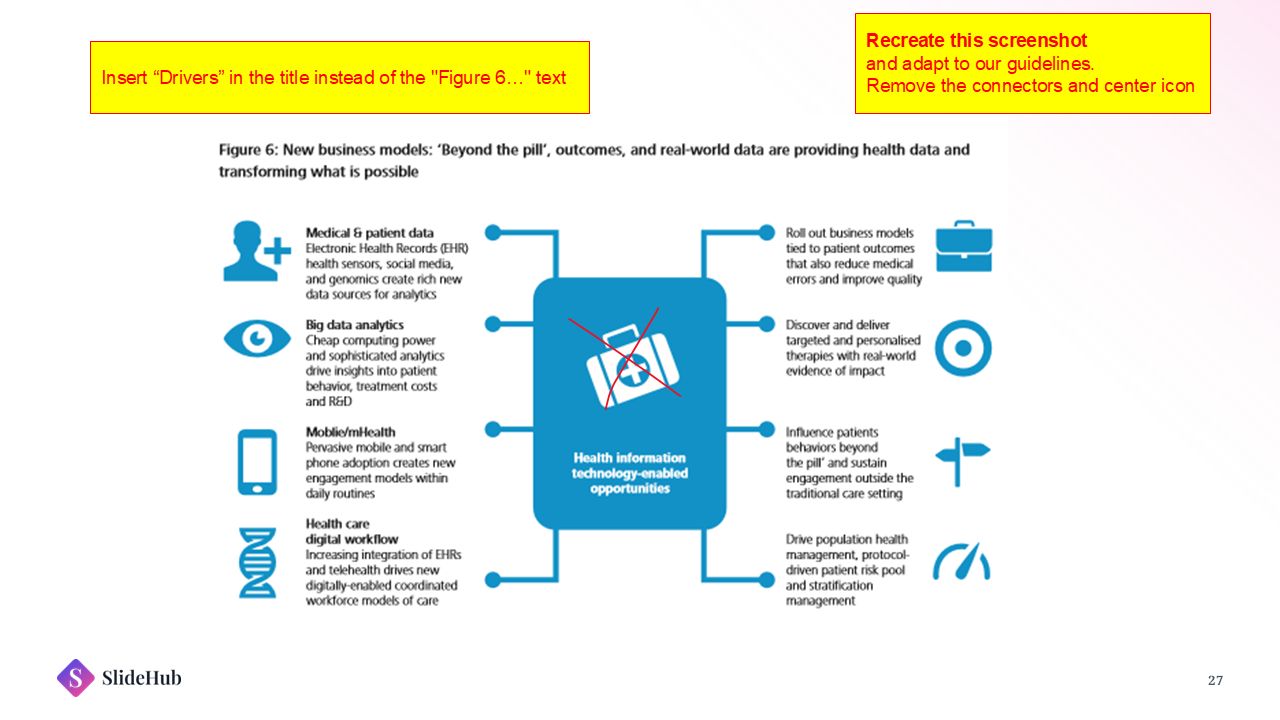
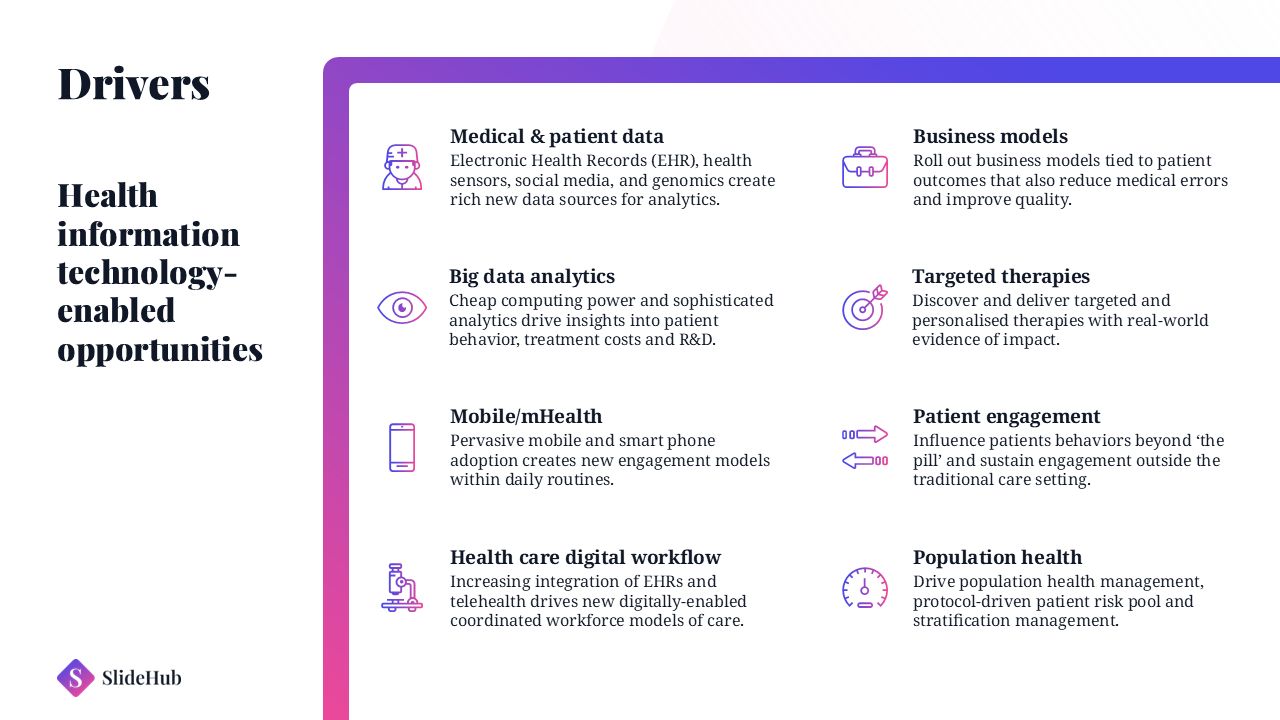

Brush-up
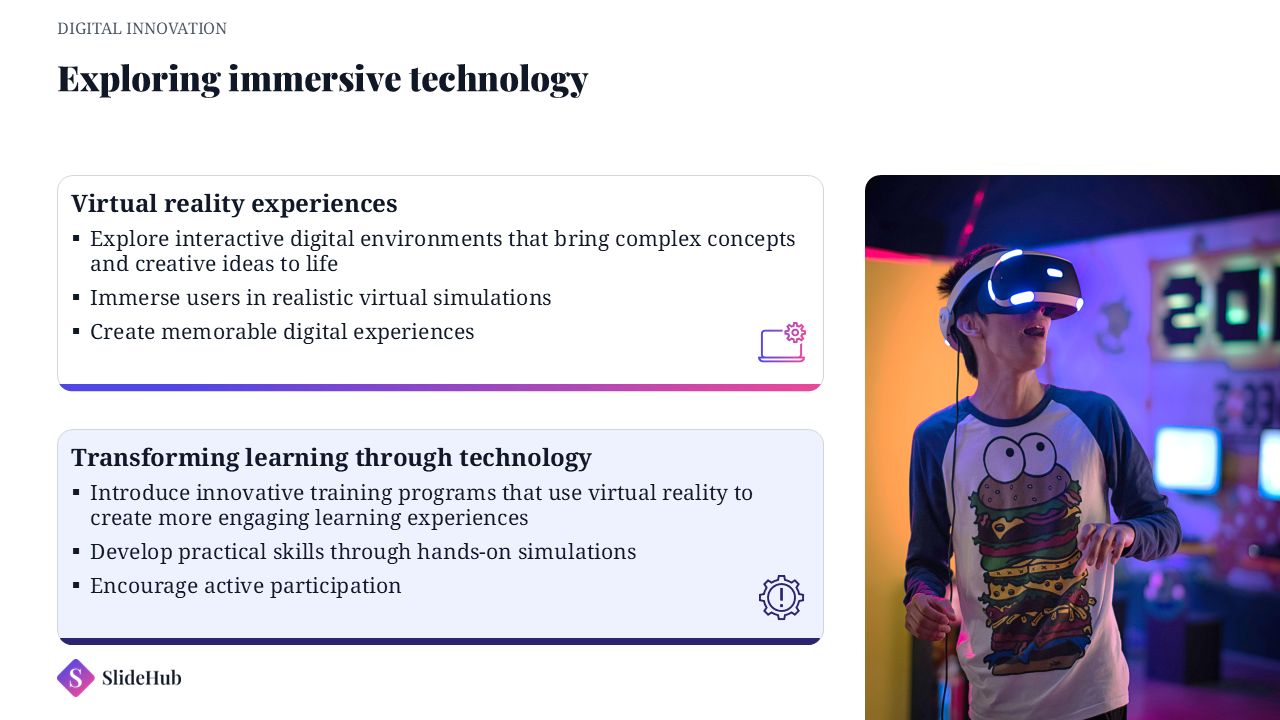
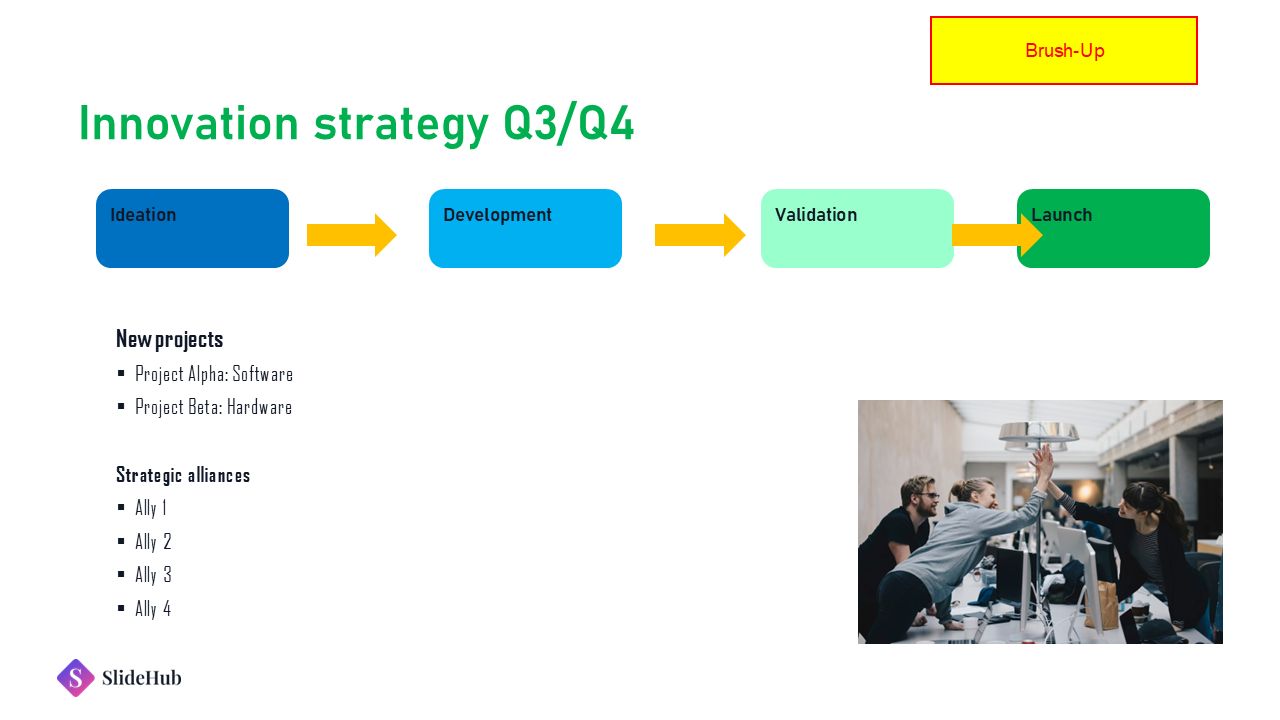
Your slides put back inside your template.
- Template, layouts and slide frame
- Titles, subtitles, footers and logos in place
- Your color palette, fonts and font sizes
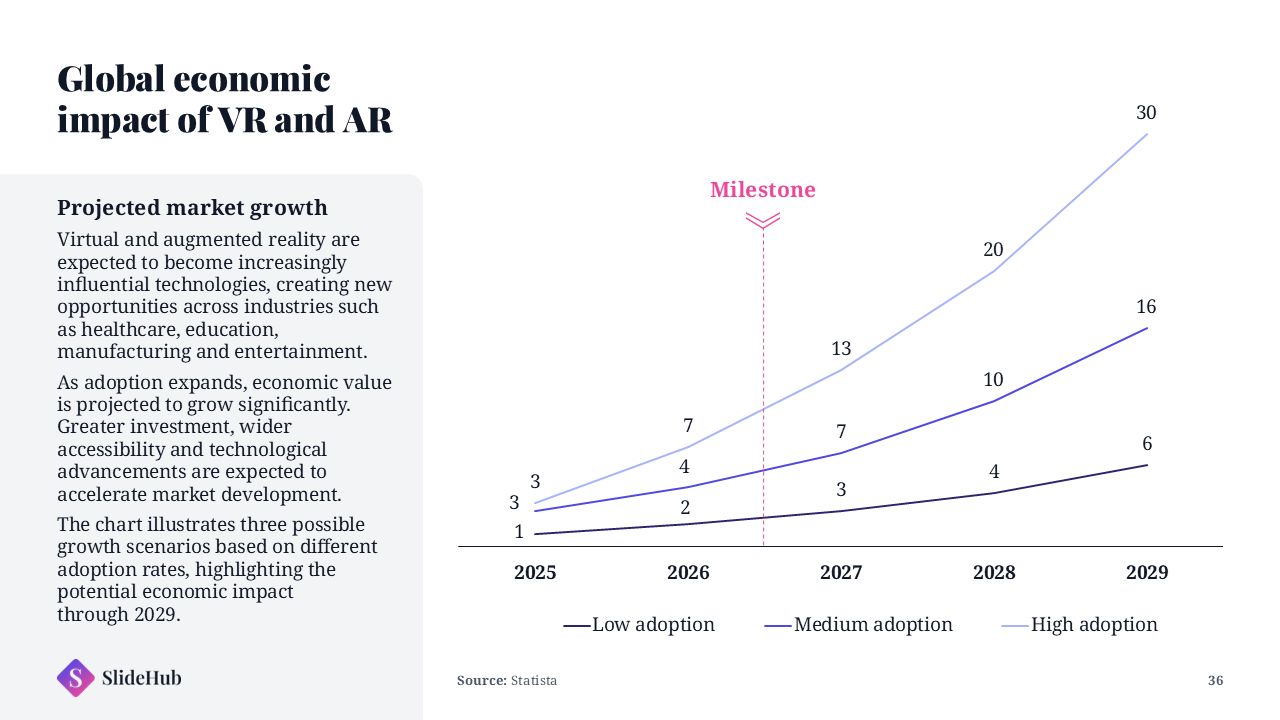
- Charts converted to think-cell or native PowerPoint
- Animations and transitions kept or fixed
- Alignment consistent from slide to slide
- The design checked against your company style
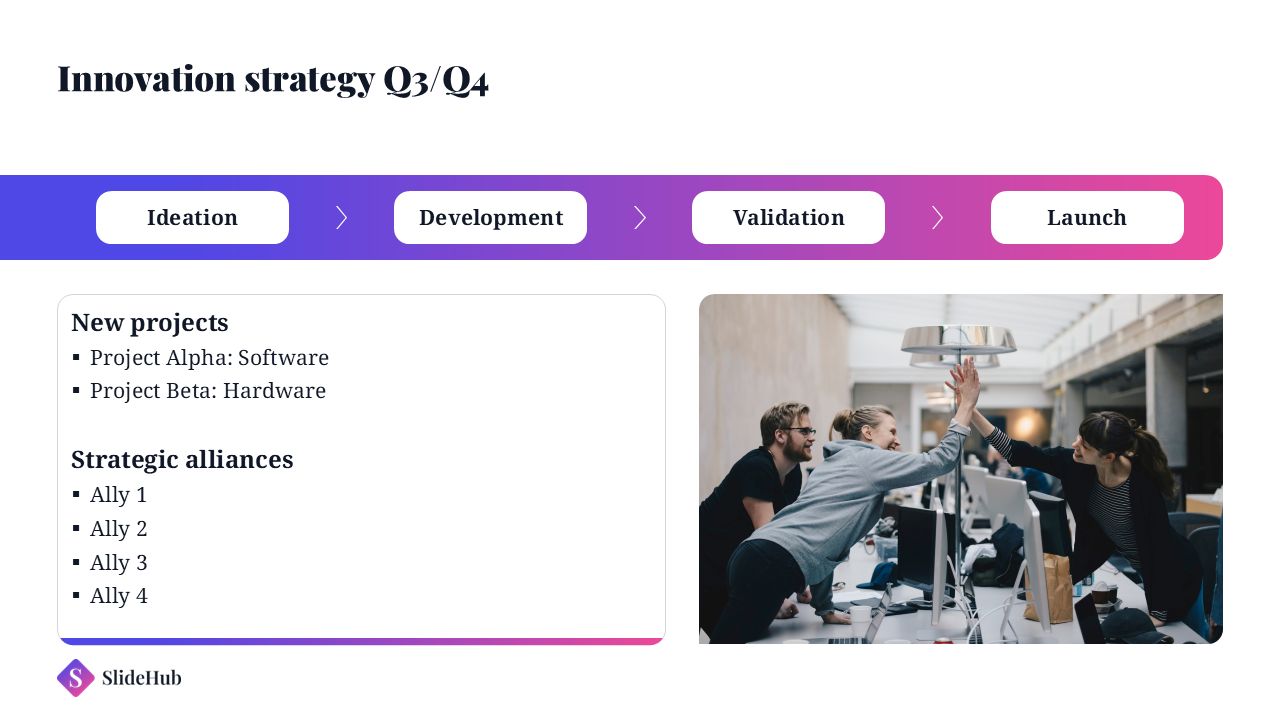
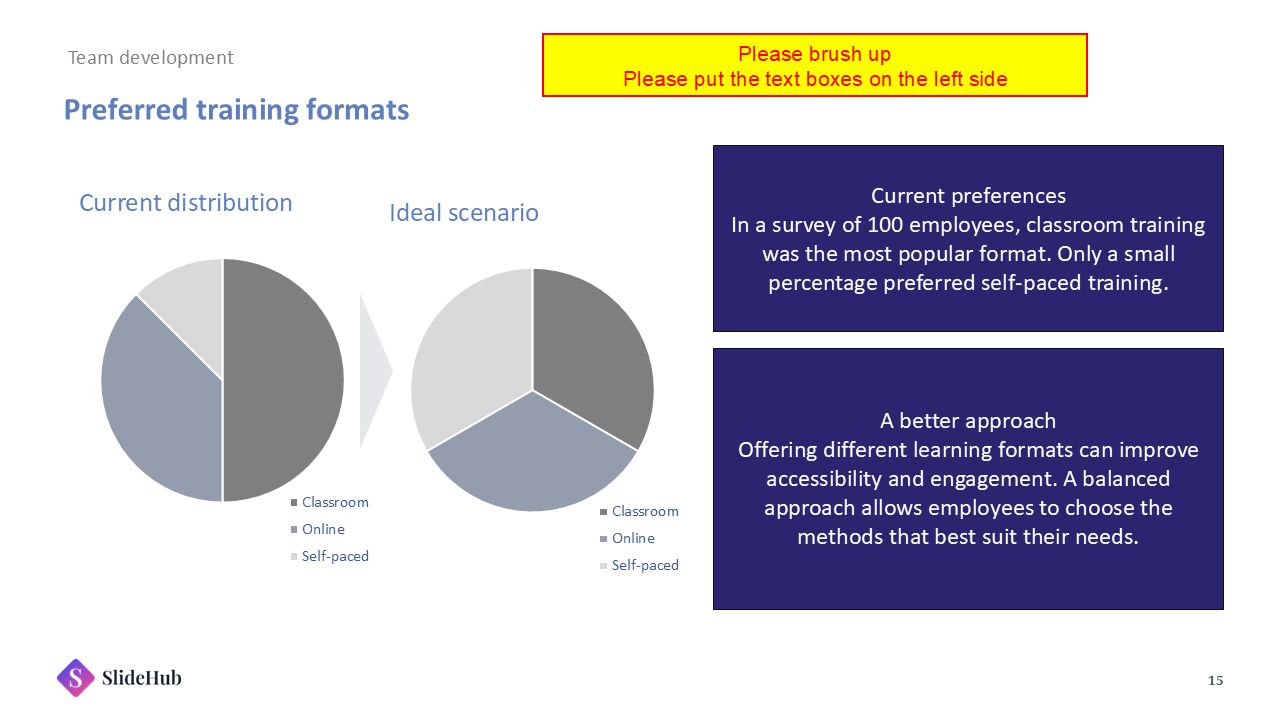
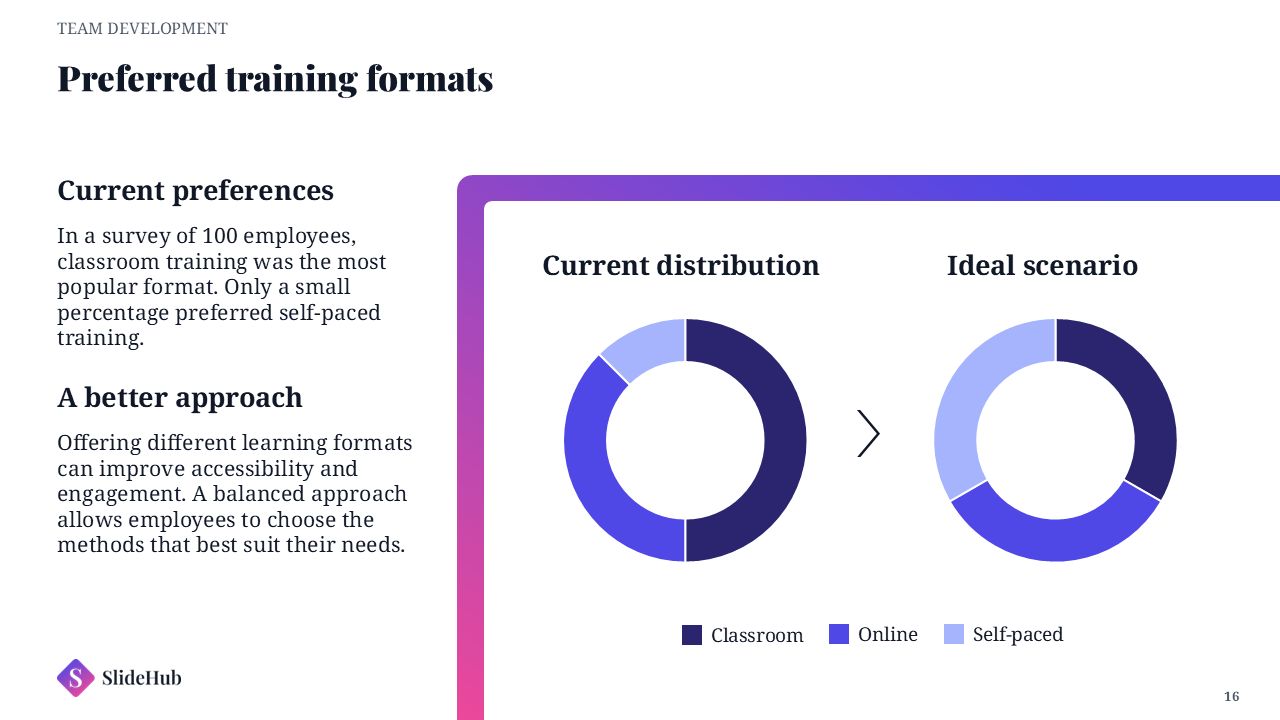
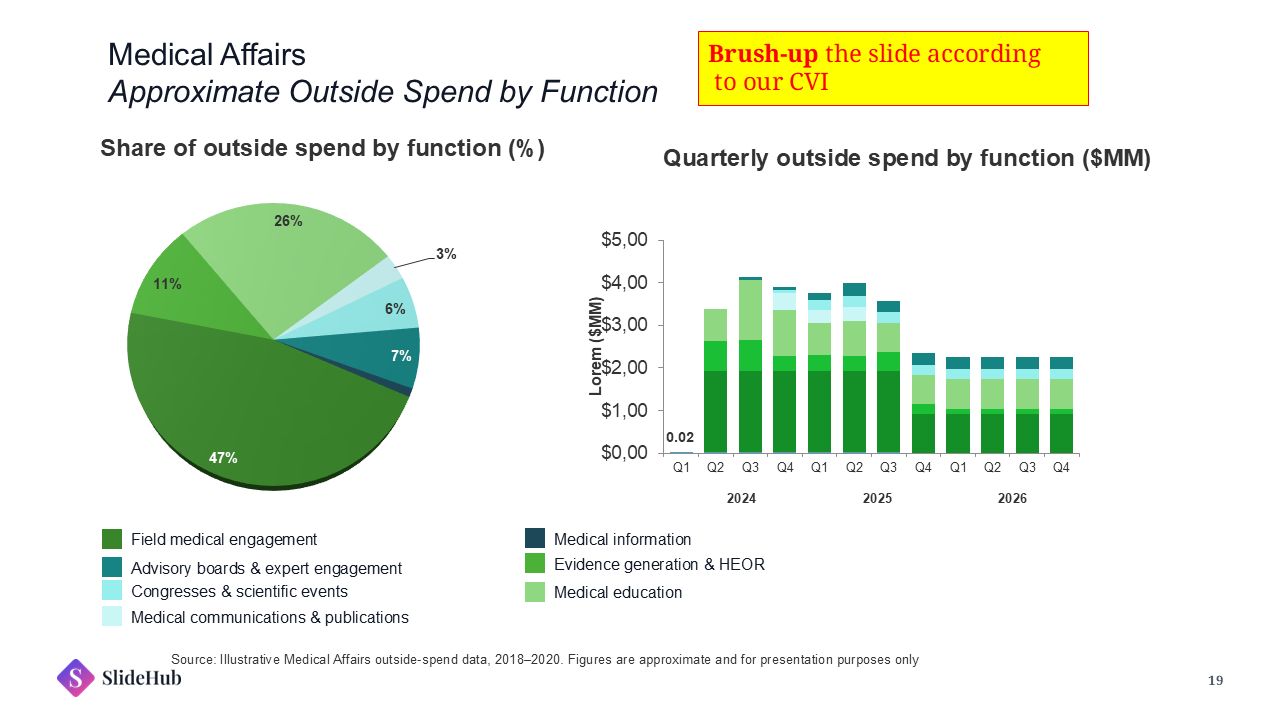
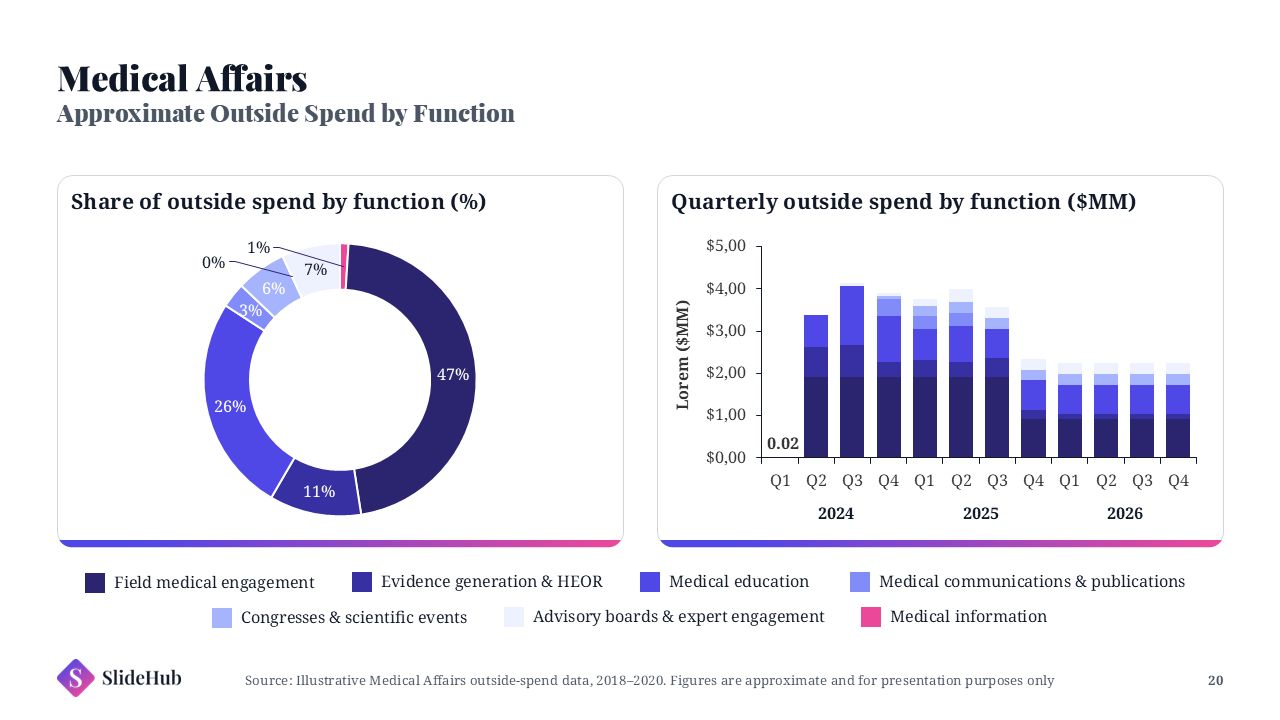
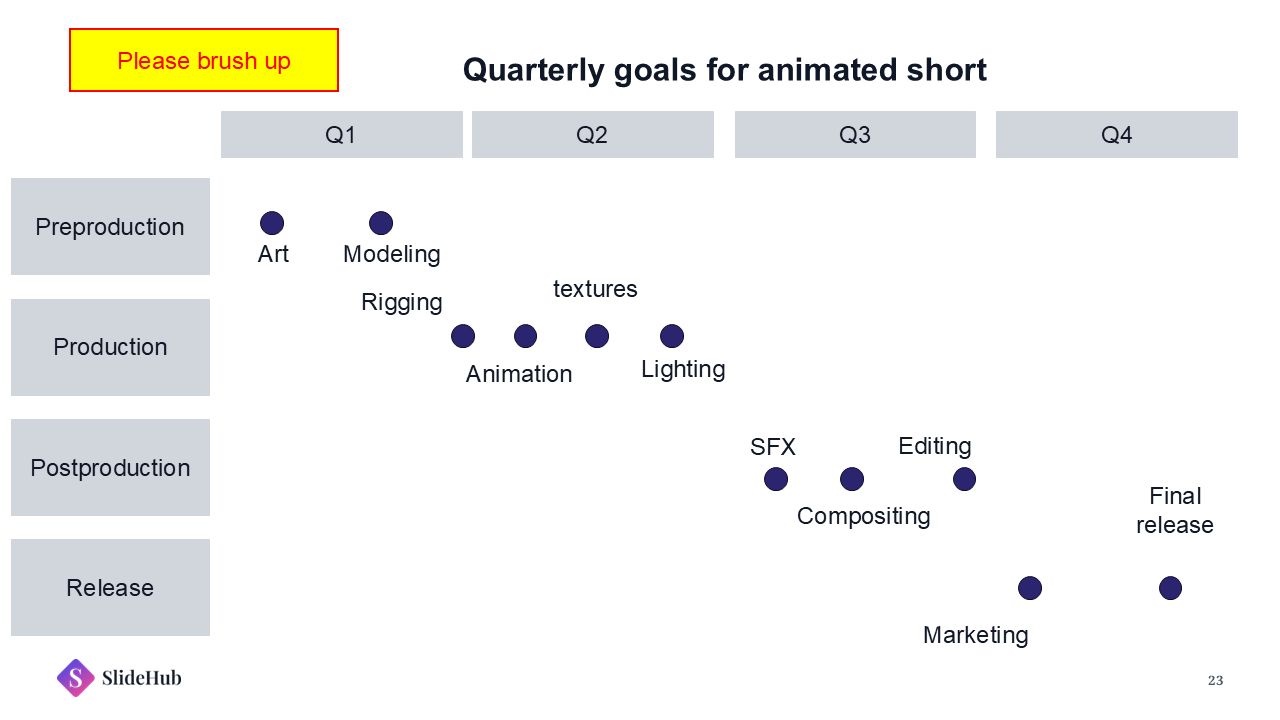
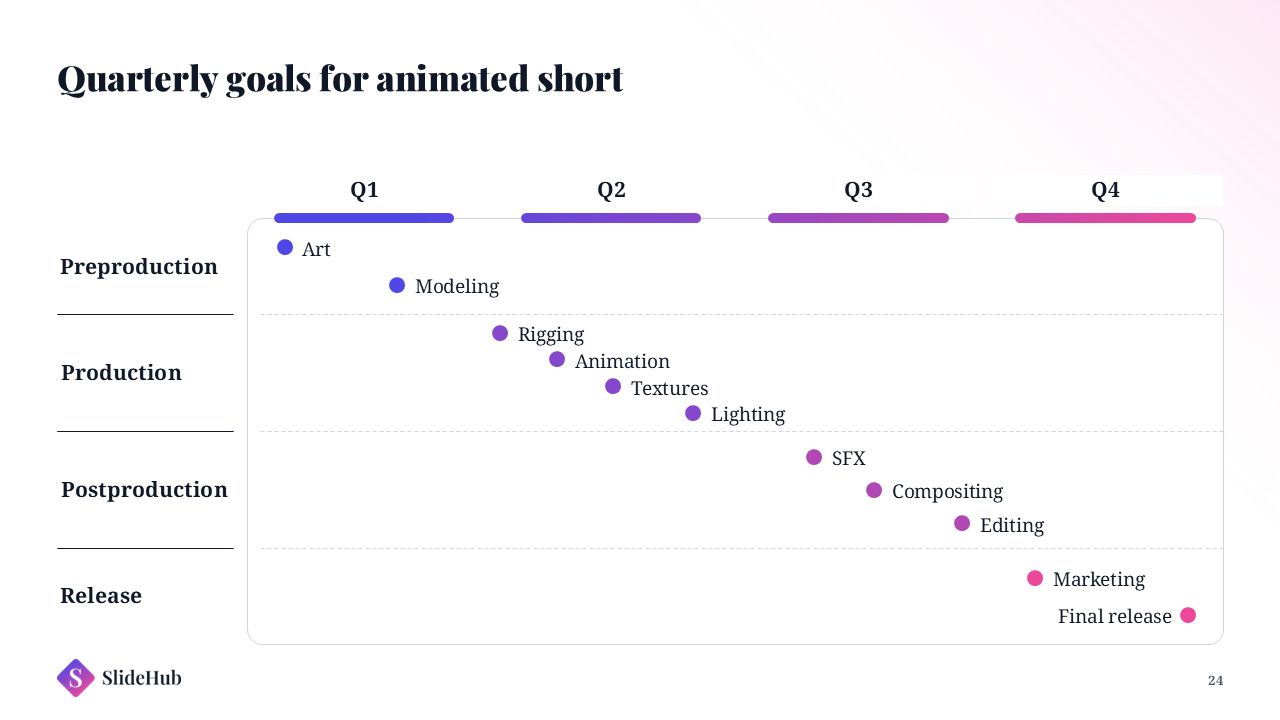
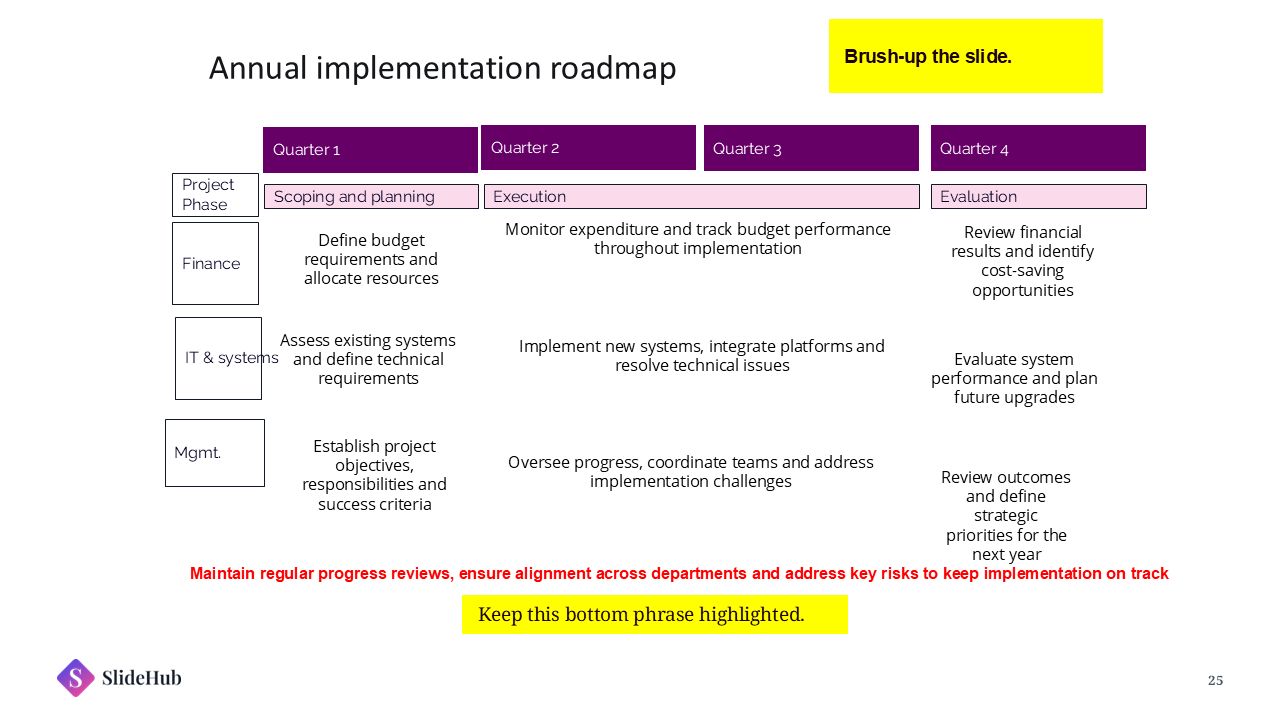
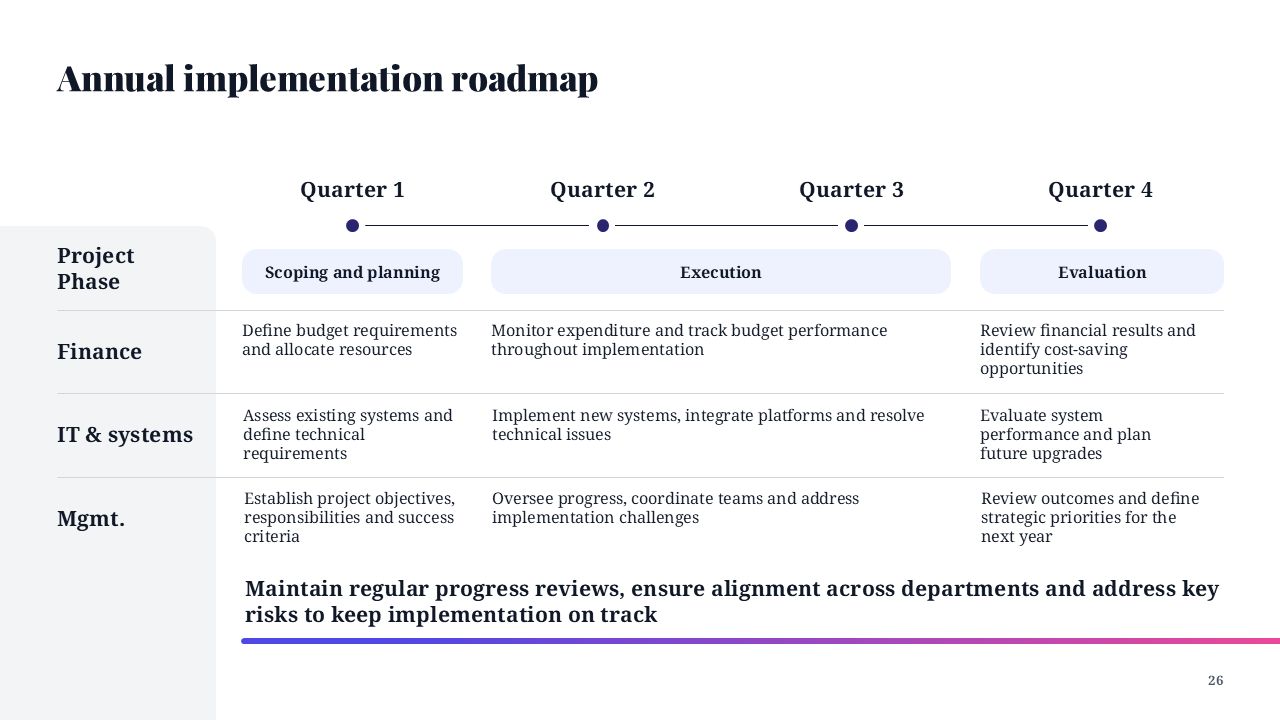
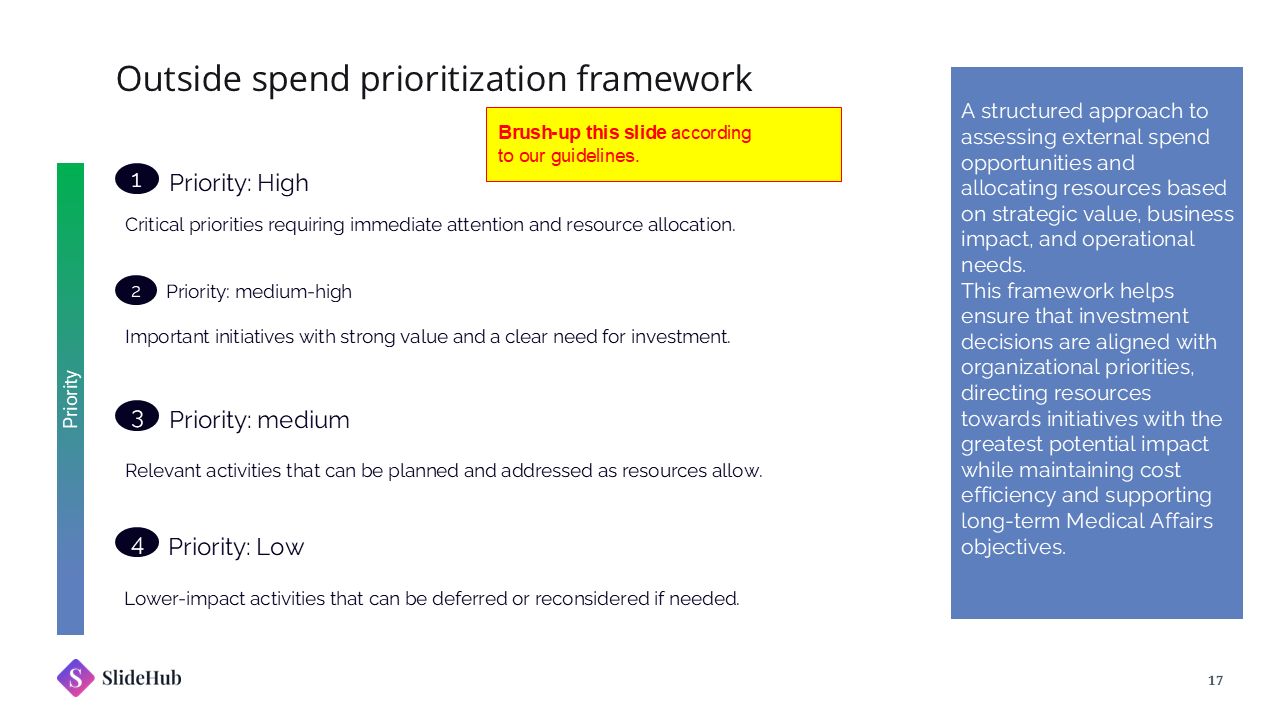
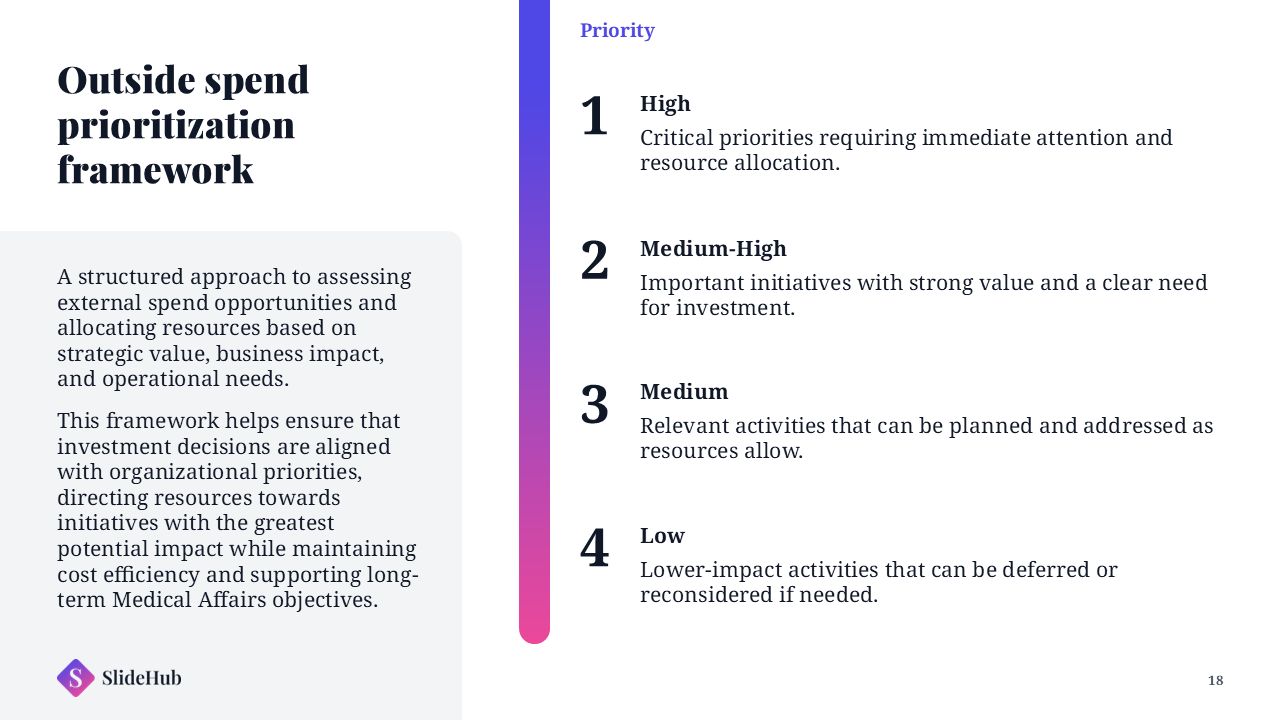
Fix your AI slides. Send them as a brush-up task.
AI gets you a first draft in seconds, then hands you the cleanup: text boxes off the grid, the wrong grays, a font nobody approved. Send the draft as a brush-up task and it comes back inside your own template, checked by QA. Keep the speed. Skip the cleanup.
Send an AI draft as a taskFor teams whose decks carry the brand
Own the template? Your rules go on file once, and every task is checked against them.
Consulting and advisory
Client-ready decks on every engagement, at any hour, late nights included.
Finance and law
Decks where every figure and clause has to stay exactly as written.
Private capital funds
Investment committee and LP decks, turned around fast when a deal moves.
Life sciences and pharma
Scientific and medical decks, with every data point and reference kept as written.
Technology and manufacturing
Product and sales decks from engineering, put on the corporate template.
Brand-led companies
Every team's slides on the same template, from sales to the board.
Your decks stay confidential



Independently audited and certified
- SOC 2 Type II Independently audited
- Cyber Essentials Certified
- Penetration tests Recurring, independent
- AWS EU or US Hosted & encrypted
- Microsoft 365 Office Store add-in






“SlideHub’s PowerPoint experts helped us with a great new Master template, but more importantly, they helped us get all our consultants to use the new brand without issues.”
 Rick Hellendoorn
Commercial Operations Manager, Amsterdam Data Collective

“SlideHub allows me to send broad strokes of ideas along with content, and receive a polished piece in return (in under 48 hours). This process truly seems miraculous and saves me so much time and frustration!”Verified User in Consulting Verified review on G2 · Sep 2025
“By helping me with low-value adding activities on slide setup and beautification, I can focus on content and analysis.”Verified User in Consulting Verified review on G2 · Apr 2025
“SlideHub has become my go-to service for enhancing PowerPoint presentations. They have reliable capacity, so that you can get overnight what you need.”Verified User in Consulting Verified review on G2 · Nov 2024
Two ways in, both start with one deck
Send us a task
Best if you want to see the work before you commit. We capture your guidelines, you send one deck, you rate what comes back.
Get a dedicated team
For recurring volume. We structure a named team around your templates, your rhythm and your service levels.
Or call the design team directly DK +45 52 51 33 93 US +1 (213) 561-5449